
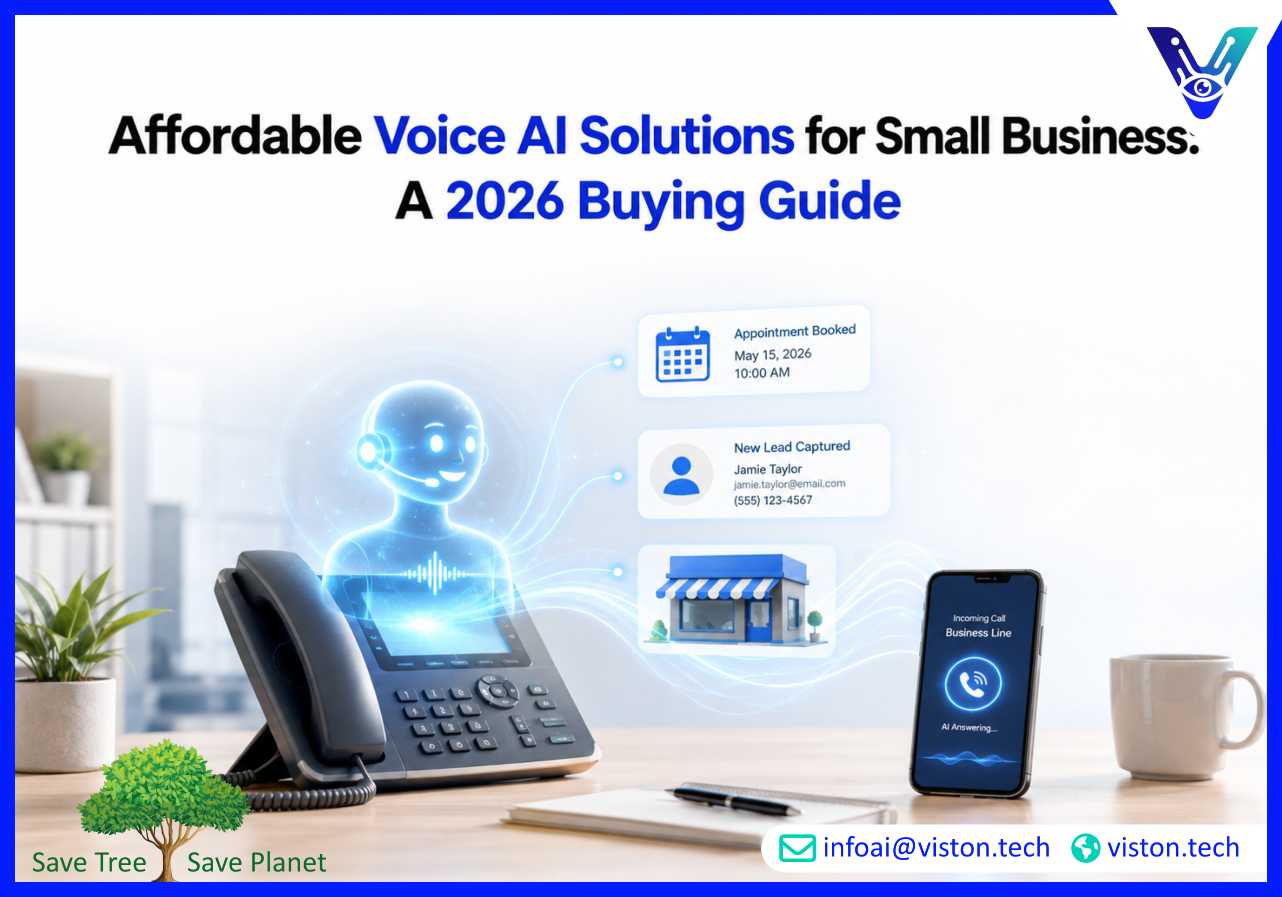
Affordable voice AI solutions for small business can reduce missed calls, improve response times, qualify leads, schedule appointments, and handle routine enquiries without requiring a large contact centre. The right solution is not necessarily the cheapest platform. It is the option that delivers reliable outcomes without unnecessary development, integration, or operating costs.
A voice-enabled assistant is an AI system that listens to spoken language, understands what the caller wants, generates an appropriate response, and can complete approved actions. Depending on the use case, it may answer a business phone line, collect customer information, book appointments, check order details, route calls, or create records in a CRM.
Modern voice assistants are more capable than traditional interactive voice response systems. Instead of forcing callers through fixed menus, they use speech recognition, natural language processing, generative AI, text-to-speech technology, and workflow integrations to support more natural conversations.
For a small business, affordability should be measured through total operating value rather than the advertised subscription price. A low-cost tool may become expensive if it frequently misunderstands callers, requires manual data entry, transfers every conversation to an employee, or cannot connect with existing systems.
A practical small-business voice AI solution should provide enough capability to solve a defined operational problem without introducing enterprise-level complexity. Important features may include:
The best starting point is usually one high-volume, repeatable use case. A business that receives frequent booking calls may begin with appointment scheduling. A service company may focus on lead qualification. An online retailer may automate delivery-status enquiries. Starting with one clear objective keeps implementation manageable and makes return on investment easier to evaluate.
Small businesses can choose from several types of voice AI solutions. The most suitable model depends on call volume, workflow complexity, technical resources, existing software, and the consequences of an incorrect response.
An AI phone receptionist is often the most accessible option for businesses that miss calls while employees are working, travelling, serving customers, or operating outside normal hours. It can greet callers, identify the reason for the call, answer approved questions, collect contact details, and route urgent enquiries.
This approach is useful for local service providers, professional firms, property businesses, clinics, repair companies, hospitality operators, and small sales teams. It can also provide consistent coverage during lunch hours, weekends, and seasonal demand spikes.
To remain affordable, the assistant should be limited to tasks it can perform reliably. It should not attempt to answer complex contractual, medical, financial, or technical questions unless the business has implemented appropriate data controls, verification, and escalation procedures.
Appointment scheduling is a strong first use case because the conversation follows a predictable structure. The assistant can ask what service the customer needs, check available times, confirm basic information, create the booking, and send a confirmation message.
A scheduling assistant becomes more valuable when it connects directly with the business calendar or booking platform. Without integration, employees still need to transfer information manually, which reduces the operational benefit.
Businesses should also define rules for cancellations, rescheduling, deposits, service areas, appointment duration, and urgent requests. Clear rules prevent double bookings and ensure that the voice assistant does not promise unavailable services.
Small B2B companies and service providers can use voice AI to respond quickly to new enquiries. The assistant can collect the caller’s name, organization, requirements, location, budget range, preferred timeline, and availability for a follow-up conversation.
It can then create a structured lead record, notify the appropriate salesperson, or schedule a consultation. This is particularly useful when speed-to-lead matters but the business does not have a dedicated receptionist or round-the-clock sales team.
Lead qualification should remain concise. Asking too many questions can frustrate callers and increase abandonment. The assistant should gather only the information needed to determine the next appropriate action.
A voice assistant can handle repetitive support enquiries such as opening hours, delivery updates, account guidance, service availability, return procedures, or basic troubleshooting. It may retrieve approved information from a knowledge base or access a connected system after verifying the caller.
This solution is affordable when a business receives enough repetitive calls to justify automation. It is less suitable when most enquiries require judgment, negotiation, empathy, or specialist investigation.
Human handover is essential. The assistant should detect repeated misunderstandings, complaints, sensitive requests, and low-confidence answers. When transferring the call, it should provide the employee with the conversation history and collected details so the customer does not have to start again.
Voice AI is not limited to customer calls. Small teams can use voice-enabled assistants to retrieve internal information, create tasks, record field notes, update job status, check inventory, or summarize spoken reports.
This can be useful for employees who work away from a desk, including technicians, delivery teams, property managers, healthcare support workers, warehouse staff, and sales representatives. Hands-free access can reduce administrative work, but the assistant must respect user permissions and avoid exposing confidential information.
A custom voice agent may be appropriate when standard products cannot support a business-specific workflow. A lightweight custom solution can combine telephony, streaming speech recognition, an AI model, text-to-speech output, and selected business APIs.
Custom development does not need to reproduce an enterprise contact centre. A small business can control costs by automating one process, using existing cloud services, limiting integrations, and avoiding unnecessary voice customization.
This model offers greater flexibility but requires more testing, monitoring, and technical support. It is most practical when the workflow creates clear commercial value or when the assistant must connect with proprietary systems.
Voice AI pricing can include several components. Businesses should request a complete cost model before committing to a platform or development project.
Common voice AI costs may include:
A pay-as-you-go service may be economical for low or unpredictable call volumes. A fixed subscription may offer better cost control when usage is consistent. Custom development may involve a higher initial cost but can become efficient when the assistant automates a valuable, high-volume workflow.
The most useful affordability metric is cost per completed outcome. For example, a business can calculate the cost per qualified lead, confirmed appointment, resolved enquiry, or accurately routed call.
A platform with a lower per-minute rate is not more affordable if conversations are unnecessarily long or frequently fail. Natural responses, fast system retrieval, clear prompts, and accurate routing can reduce both caller frustration and operating cost.
Integration costs are often overlooked. A voice assistant may sound convincing during a demonstration but provide limited value if it cannot check availability, update customer records, create tickets, or trigger follow-up actions.
Small businesses should identify the minimum integrations required for the first deployment. Connecting every application at once increases cost and delivery risk. A scheduling assistant may need only a calendar and messaging service. A lead assistant may need a CRM and email notification workflow.
Affordable voice AI must still be dependable. Buyers should test the system with real customer language, different accents, background noise, interruptions, incomplete answers, and unexpected questions.
The assistant should know when to ask for clarification and when to transfer the caller. It should also preserve the transcript, caller details, detected intent, and actions already attempted. Poor handover can increase employee workload rather than reduce it.
Voice interactions may contain names, phone numbers, account details, payment information, health information, or other sensitive data. Businesses need to understand what information is recorded, where it is processed, how long it is retained, and who can access it.
Applicable call-recording, privacy, telecommunications, consumer-protection, and AI-transparency requirements vary by location. Businesses should configure consent notices, access controls, data minimization, retention policies, and audit records according to their legal and operational obligations.
A controlled rollout helps small businesses gain value without committing to a large transformation project. The objective is to prove that one voice workflow can operate accurately, safely, and economically before expanding.
Choose a problem with visible operational impact. Examples include missed calls, slow lead response, repetitive appointment requests, after-hours enquiries, or frequent order-status calls.
Record the current baseline, including call volume, employee handling time, missed-call rate, booking completion, lead response time, and escalation frequency. These figures provide a realistic basis for evaluating performance.
Create a clear scope of approved topics, actions, and escalation triggers. Define which questions the assistant may answer, which data it can collect, and which requests must go to a person.
This step protects customers and prevents the project from becoming unnecessarily complex. A focused assistant is usually more accurate and affordable than an unrestricted system expected to manage every possible conversation.
Review opening hours, service descriptions, booking rules, product details, frequently asked questions, geographic coverage, pricing guidance, and escalation contacts. Remove conflicting or outdated information before connecting it to the voice assistant.
The assistant should use an approved source of truth. When information is uncertain, it should explain that it cannot confirm the answer and offer an appropriate next step.
Begin with the smallest integration set that allows the assistant to complete the intended task. Avoid connecting unrelated systems during the pilot.
Each integration should include authentication, error handling, confirmation messages, and a fallback process. For example, if a calendar service is unavailable, the assistant should collect the caller’s preferred time and create a follow-up request rather than ending the conversation abruptly.
Testing should include common questions, unusual phrasing, silence, interruptions, background noise, multiple requests in one call, and users who change their minds. Employees should review both successful and failed conversations before the assistant handles calls independently.
Businesses should monitor task completion, transfer rate, response accuracy, average conversation length, customer satisfaction, and integration errors. Early reviews should occur frequently so conversation flows and knowledge gaps can be corrected quickly.
Once the assistant consistently completes the first workflow, the business can add another use case, language, channel, or integration. Controlled expansion protects service quality and prevents usage costs from growing faster than business value.
Viston AI provides Voice-Enabled Assistants that combine speech recognition, natural language processing, generative AI, voice synthesis, and business-system integration. These capabilities are relevant to small businesses that need more than a basic recorded phone menu but do not want to invest in an unnecessarily complex contact-centre platform.
Its voice AI service can be aligned with focused use cases such as customer enquiry handling, lead qualification, appointment workflows, internal assistance, multilingual conversations, and automated business actions. Viston AI also supports related capabilities including custom AI development, workflow automation, NLP, model monitoring, analytics, and integration with business systems.
For a small-business deployment, this broader capability is valuable when an assistant must connect spoken conversations with practical outcomes. A caller may need to create a booking, submit a service request, retrieve approved information, or transfer to an employee with complete context.
A suitable delivery approach should begin with use-case discovery, conversation design, data preparation, integration planning, testing, security controls, and measurable success criteria. By limiting the initial scope and selecting only the technology required for the target workflow, Viston AI can support businesses seeking a scalable voice-enabled assistant without forcing enterprise-level complexity into the first phase.
A preconfigured AI phone receptionist or scheduling assistant is often the most affordable starting point. These solutions require less custom development and can focus on common tasks such as answering calls, collecting details, booking appointments, and routing enquiries.
Costs depend on call volume, conversation length, telephony, AI usage, integrations, languages, implementation, and support. Businesses should compare total monthly cost and cost per successful outcome rather than evaluating only the advertised subscription or per-minute price.
Many voice AI systems can connect with existing telephony platforms or receive forwarded calls from a current business number. Compatibility depends on the phone provider, routing setup, regional availability, and integration options.
Yes. A voice assistant can collect service requirements, check calendar availability, create or modify bookings, and send confirmations when it is securely integrated with the business’s scheduling system.
Businesses should provide clear and appropriate disclosure that the caller is interacting with an automated or AI-powered assistant. The exact disclosure and consent requirements depend on the business activity, recorded data, and applicable local regulations.
Viston AI provides Voice-Enabled Assistants, custom AI development, workflow automation, multilingual support, analytics, and business-system integration. These capabilities can support a focused small-business implementation built around a defined use case and measurable operational outcome.
Choosing affordable voice AI solutions for small business requires more than finding the lowest monthly fee. Businesses should begin with one repeatable use case, confirm the complete cost structure, test real conversations, provide reliable human handover, and connect only the systems required to complete the task. Voice-Enabled Assistants can create practical value through better call coverage, faster lead response, appointment automation, and reduced administrative work. Viston AI offers relevant voice AI, integration, workflow, and monitoring capabilities for businesses seeking a focused solution that can expand as demand and operational maturity grow.
