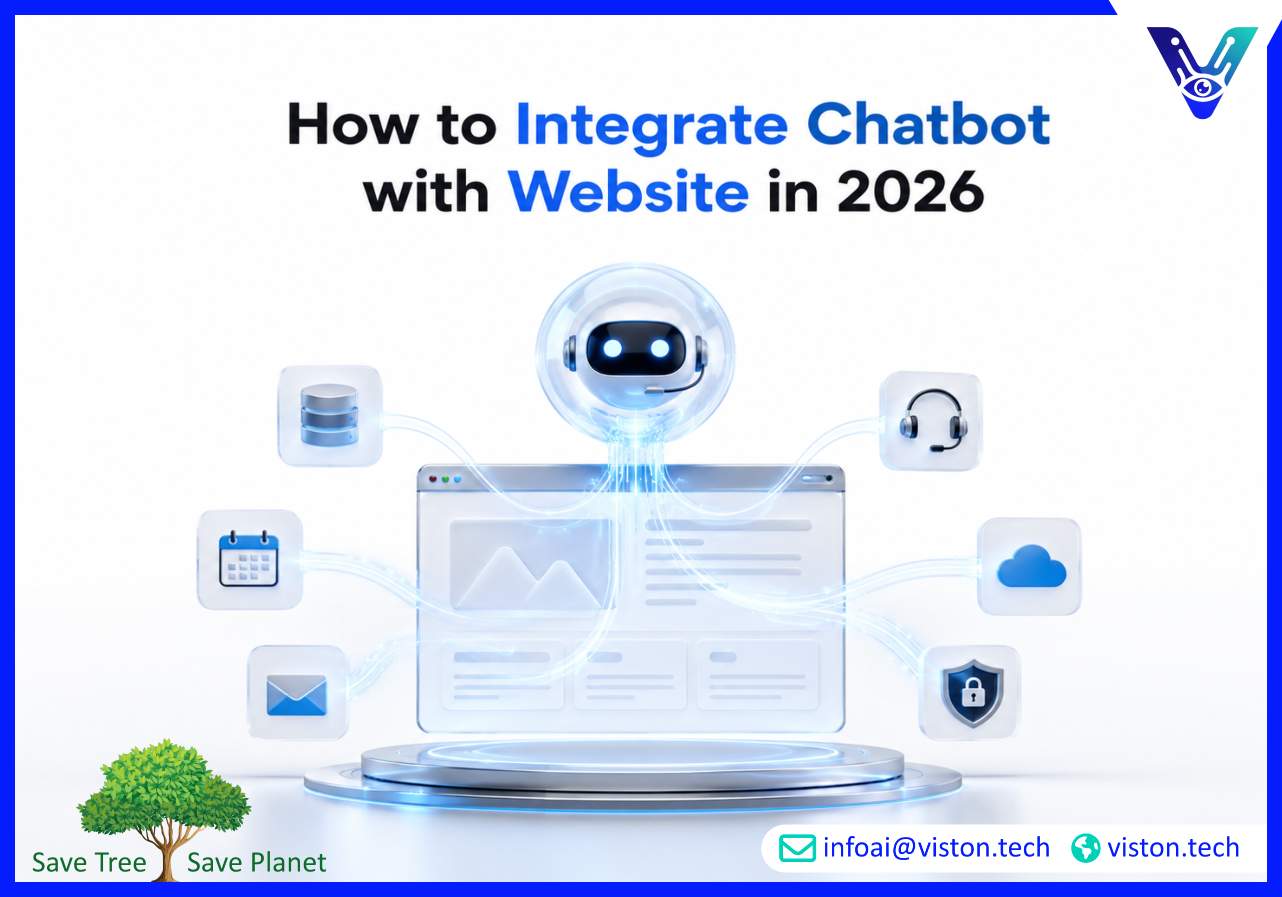
Knowing how to integrate chatbot with website platforms is now essential for businesses that want faster response times, better lead capture, and more efficient customer support. A well-integrated chatbot does more than answer questions; it connects conversations with workflows, data, teams, and measurable business outcomes.
What Website Chatbot Integration Means for Businesses
Website chatbot integration is the process of adding an AI-powered conversational assistant to a business website and connecting it with the systems, content, and workflows needed to support visitors in real time. This can include answering FAQs, qualifying leads, booking appointments, routing support requests, collecting customer information, or helping users navigate products and services.A basic chatbot may only sit on a website as a chat widget. A properly integrated chatbot works as part of the wider digital operation. It can connect with CRM platforms, helpdesk tools, calendars, ecommerce systems, knowledge bases, email automation, analytics platforms, and internal workflows.For business leaders, the goal is not simply to “add AI” to a website. The goal is to make customer interaction faster, more useful, more consistent, and easier to manage at scale.
Why Website Chatbot Integration Matters in 2026
In 2026, buyers expect immediate answers, personalized support, and seamless digital experiences. They do not want to wait for a response to basic questions about pricing, availability, onboarding, support, or service suitability. A chatbot helps reduce friction at the exact moment a visitor is deciding whether to stay, enquire, book, or leave.Modern AI chatbot integration also supports business efficiency. Support teams can reduce repetitive queries, sales teams can receive better-qualified leads, and operations teams can automate routine handoffs. This is especially valuable for companies receiving enquiries across time zones or outside normal business hours.However, chatbot integration also carries risks when handled poorly. Inaccurate answers, weak data controls, poor escalation logic, disconnected systems, and unclear privacy handling can damage trust. Successful integration requires planning, technical setup, testing, security controls, and ongoing optimization.
How to Integrate Chatbot with Website Step by Step
1. Define the chatbot’s business purpose
Before choosing software or writing prompts, decide what the chatbot should achieve. Common goals include lead generation, customer support, appointment booking, product guidance, onboarding assistance, order tracking, or internal request handling.The best chatbot projects begin with clear use cases. A chatbot designed for sales qualification needs different flows, integrations, and reporting than one built for technical support or customer onboarding.
2. Choose the right chatbot model and platform
Businesses can use no-code chatbot builders, AI chatbot platforms, custom LLM-based solutions, or hybrid systems that combine rule-based flows with generative AI. The right choice depends on complexity, budget, security requirements, website platform, and integration needs.For simple websites, a hosted chatbot widget may be enough. For larger organizations, a custom or semi-custom chatbot may be needed to connect with CRM, internal databases, helpdesk systems, and business-specific workflows.
3. Prepare website content and knowledge sources
A chatbot is only as useful as the information it can access. Businesses should prepare FAQs, service pages, pricing guidance, product information, policies, onboarding instructions, contact details, and escalation rules.For AI chatbot integration, knowledge sources must be clean, accurate, and regularly updated. Outdated or vague content increases the risk of poor answers.
4. Add the chatbot widget or embedded interface
Most chatbot tools provide a JavaScript snippet, plugin, API, or native CMS integration. This can usually be added to platforms such as WordPress, Shopify, Webflow, Wix, custom websites, or enterprise CMS environments.Placement matters. The chatbot should be visible without disrupting the user experience. It should load quickly, work on mobile devices, and align with the website’s brand and accessibility standards.
5. Connect the chatbot with business systems
This is where chatbot integration becomes commercially valuable. A chatbot can be connected with CRM systems, email marketing tools, calendars, ticketing platforms, ecommerce platforms, payment workflows, analytics dashboards, and automation tools.For example, a lead captured through the chatbot can be sent directly to a CRM with source tracking, enquiry details, and qualification notes. A support issue can become a ticket. A booking request can be added to a calendar. These connections reduce manual work and improve follow-up speed.
6. Build escalation and human handoff rules
A chatbot should not try to handle every situation. Complex, sensitive, urgent, or high-value conversations should be routed to a human team member. Good handoff logic includes clear triggers, contact options, conversation summaries, and routing based on department or enquiry type.This protects customer experience and ensures automation supports the team rather than replacing judgment where human involvement is needed.
7. Test, monitor, and optimize
Testing should include user flows, mobile behavior, integrations, form submissions, CRM syncing, response accuracy, fallback messages, security controls, and analytics tracking. After launch, the chatbot should be reviewed regularly using conversation logs, missed questions, conversion data, escalation rates, and customer feedback.Website chatbot integration is not a one-time setup. It becomes more effective when businesses improve prompts, update knowledge sources, refine workflows, and adjust automation based on real visitor behavior.
Key Features of a Successful Website Chatbot Integration
A reliable chatbot integration should combine conversational quality with operational control. The most important features include accurate responses, secure data handling, fast loading speed, CRM connectivity, analytics, human handoff, multilingual support where needed, and clear conversation goals.Businesses should also consider compliance and privacy. Chatbots may collect names, emails, phone numbers, business details, order information, or support issues. Consent, data storage, access control, and privacy notices should be handled carefully.Another important factor is scalability. A chatbot that works for a few enquiries per day may not be suitable for high-volume support, multi-region operations, or complex product environments. Integration should be designed with future growth in mind.
How Viston AI Supports Website Chatbot Integration
Viston AI is relevant to businesses looking for AI chatbot integration because its work focuses on AI automation and workflow bots that help organizations streamline operational tasks. For website chatbot projects, this type of capability matters because the real value often comes from connecting conversations to business processes, not simply placing a chat bubble on a webpage.A business may need a chatbot that captures leads, qualifies enquiries, answers service questions, triggers follow-up emails, routes requests, or supports internal teams with structured automation. Viston AI’s focus on combining rule-based and generative AI automation aligns with these practical needs, especially for companies that want website interactions to feed into wider workflows.For organizations without a specific industry limitation, Viston AI’s AI chatbot integration capabilities can support use cases across sales, customer support, operations, HR, accounting, and administrative processes. This makes the service relevant for businesses that want a practical, scalable, and workflow-led approach to chatbot implementation rather than a generic standalone tool.
Frequently Asked Questions
How do I integrate a chatbot with my website?
You integrate a chatbot by choosing a chatbot platform, preparing your knowledge base, adding the chatbot widget or code to your website, connecting it with business systems, testing the flows, and monitoring performance after launch.
Can a chatbot be added to any website?
Most websites can support chatbot integration through plugins, JavaScript snippets, APIs, or custom development. The method depends on the website platform, security requirements, and the systems the chatbot needs to connect with.
How long does website chatbot integration take?
A basic chatbot can often be added quickly, while a more advanced AI chatbot with CRM, helpdesk, calendar, ecommerce, or workflow integrations requires more planning, testing, and configuration.
What systems can a website chatbot connect with?
A chatbot can connect with CRM platforms, email tools, calendars, support desks, ecommerce platforms, payment systems, knowledge bases, analytics tools, and automation platforms.
Is chatbot integration secure?
It can be secure when designed with proper data controls, access permissions, privacy notices, encryption, human escalation, and limits on what the chatbot can access or execute.
Can Viston AI help with AI chatbot integration?
Viston AI’s focus on AI automation and workflow bots makes it relevant for businesses that want chatbot integration connected to practical business processes, lead handling, support workflows, and operational automation.
Conclusion
Understanding how to integrate chatbot with website systems helps businesses move beyond simple chat widgets and build more useful digital customer experiences. Effective AI chatbot integration requires clear goals, accurate knowledge sources, secure data handling, system connections, human handoff, and ongoing optimization. For companies that want chatbot conversations to support real workflows, Viston AI offers a relevant service-led approach focused on automation, efficiency, and practical business outcomes.