
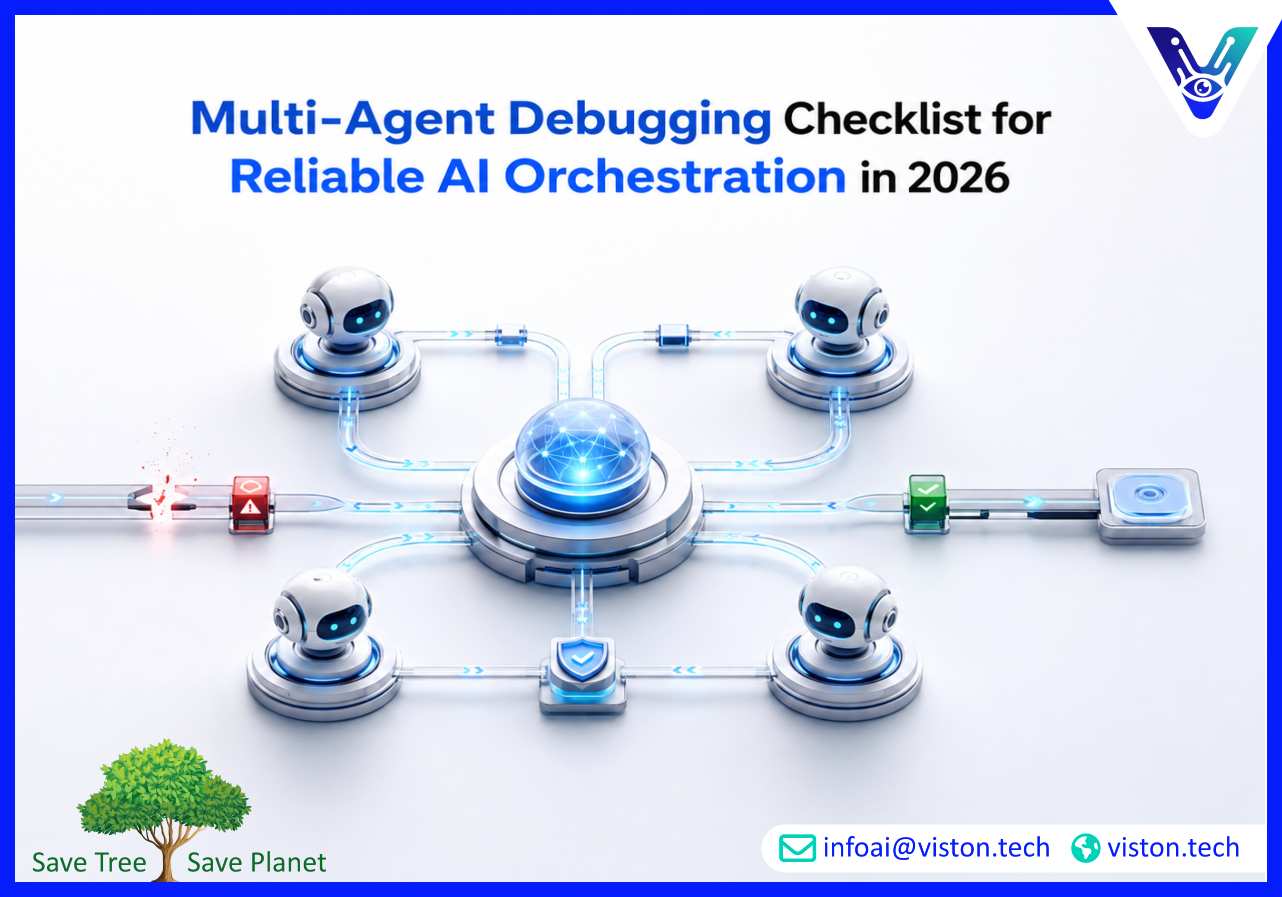
A multi-agent debugging checklist helps businesses identify why AI agents fail, where orchestration breaks down, and how to make agentic workflows more reliable before they affect customers, teams, or business-critical operations.
A multi-agent debugging checklist is a structured way to inspect, test, and improve systems where multiple AI agents collaborate to complete a workflow. In a multi-agent orchestration environment, one agent may plan, another may retrieve data, another may execute actions, and another may validate the result. When something goes wrong, the issue is not always inside one agent. It may come from unclear roles, poor handoffs, missing context, tool failures, weak guardrails, bad memory design, or broken workflow logic.
This makes debugging more complex than fixing a single chatbot or automation script. A multi-agent system behaves like a coordinated digital team. Each agent has a role, inputs, permissions, memory, tools, and expected outputs. The orchestration layer controls sequencing, routing, retries, approvals, and escalation. Debugging must therefore examine both individual agent behavior and the system-level workflow.
For business leaders, this matters because unreliable agent orchestration can create operational risk. Agents may duplicate work, skip validation, update the wrong system, provide inconsistent answers, trigger actions too early, or fail silently. A checklist helps teams move from reactive troubleshooting to repeatable quality control.
In 2026, companies are using AI agents for more than simple content generation or internal Q&A. They are applying agentic workflows to sales operations, customer support, document processing, onboarding, reporting, procurement, data enrichment, and back-office automation. As these systems become more connected to real business tools, debugging becomes a governance and reliability requirement.
The risk increases when agents interact with CRMs, helpdesks, databases, email platforms, document repositories, finance tools, or APIs. A minor error in context handling can become a wrong customer update. A weak validation step can allow inaccurate data into a workflow. A poorly designed escalation rule can leave urgent tasks unresolved.
A strong debugging checklist helps teams find these problems early. It also supports better monitoring, auditability, cost control, compliance readiness, and long-term maintainability.
The most effective checklist starts with workflow visibility. Before testing individual prompts or models, businesses should understand how the complete system is supposed to work.
Confirm that the workflow has a clear business outcome. Every multi-agent system should answer a practical question: what process is being improved, what output is expected, and how will success be measured? If the goal is vague, debugging becomes guesswork.
Each agent should have a specific job. A planner agent should not also act as the final validator unless the workflow is intentionally simple. A data retrieval agent should not make business decisions without a defined rule. Clear role separation reduces confusion and makes failures easier to trace.
Many failures happen between agents. Check whether each agent passes the right information to the next step. The receiving agent should know the task status, source data, assumptions, confidence level, missing details, and required next action.
Multi-agent orchestration depends on context quality. Review whether agents receive the right customer data, workflow history, policies, documents, constraints, and tool outputs. Also check whether memory is persistent, temporary, or session-based. Poor memory design can cause repeated questions, inconsistent decisions, or outdated responses.
Agents often fail because connected tools fail. Test API access, authentication, permission scopes, rate limits, response formats, timeout handling, and fallback behavior. A reliable system should know what to do when a CRM, database, or document store does not respond.
The orchestration layer should define sequencing, routing, retries, escalation, parallel tasks, dependencies, and stopping conditions. Debug whether the workflow moves correctly from one step to another and whether agents can recover from incomplete or conflicting inputs.
Not every action should be autonomous. Check whether the system requires human approval for financial decisions, sensitive communications, legal content, compliance issues, customer account changes, or irreversible actions. Guardrails should be specific, testable, and tied to business risk.
Teams should be able to trace what happened during each workflow run. Logs should show agent inputs, outputs, tool calls, handoffs, errors, retries, approvals, and final decisions. Without observability, teams may know that something failed but not why it failed.
Do not test only perfect scenarios. Use incomplete data, duplicate records, conflicting instructions, missing documents, ambiguous customer requests, system downtime, low-confidence outputs, and unexpected user behavior. Multi-agent systems must be tested against real operating conditions.
Debugging should also include latency, token usage, model costs, redundant calls, unnecessary agent loops, and workflow completion time. A system can be technically correct but too slow or expensive for production use.
Multi-Agent Orchestration makes debugging easier when it is designed with structure, not added after deployment. A good orchestration approach creates clear workflow paths, agent boundaries, controlled permissions, observable events, and measurable checkpoints.
Instead of letting agents communicate freely without oversight, orchestration defines how collaboration happens. It determines which agent acts first, what data is shared, when validation occurs, when humans are involved, and how errors are handled. This structure allows teams to isolate issues faster.
Agent-level debugging focuses on one agent’s behavior. This includes prompt quality, role clarity, data access, reasoning quality, output format, tool use, and response consistency. If one agent repeatedly produces poor outputs, it may need better instructions, improved retrieval, stricter validation, or a narrower role.
Workflow-level debugging examines the full sequence. Even if each agent works well individually, the overall system may fail because handoffs are weak, dependencies are unclear, or orchestration rules are incomplete. This is common in workflows involving multiple systems and conditional decisions.
Governance-level debugging checks whether the system is safe, auditable, and aligned with business policies. This includes access control, approval rules, logging, data handling, compliance requirements, escalation paths, and rollback procedures.
For businesses, the best debugging process combines all three levels. It checks whether the agent works, whether the workflow works, and whether the system is safe enough for real use.
A checklist is most useful when it becomes part of the development and operations process. Businesses should not wait until a multi-agent workflow fails in production before applying structured debugging.
Begin with a workflow that has clear inputs, outputs, and measurable business value. Avoid launching a broad multi-agent system across too many processes at once. Smaller workflows are easier to test, debug, monitor, and improve.
Prompts, agent instructions, orchestration rules, and tool configurations should be versioned. When performance changes, teams need to know what changed and when. This makes debugging faster and prevents uncontrolled experimentation in production.
Each agent should have its own test set. A retrieval agent should be tested for accuracy. A summarization agent should be tested for completeness. A validation agent should be tested for false approvals and false rejections. This helps identify whether problems are local or systemic.
For workflows involving customer communication, financial data, compliance checks, or system updates, a validation agent can review outputs before completion. However, validation agents should have defined criteria, not vague instructions to “check quality.”
A production-ready system should know how to handle failed tool calls, missing data, low-confidence answers, conflicting information, and incomplete workflows. Recovery logic may include retries, alternate tools, fallback responses, human escalation, or safe stopping conditions.
Debugging does not end at launch. Teams should monitor workflow completion rates, error rates, escalation frequency, average resolution time, cost per run, user feedback, and manual override patterns. These signals reveal where the system needs improvement.
Viston AI is relevant to businesses working with a multi-agent debugging checklist because its service focus aligns with Multi-Agent Orchestration, AI automation, workflow bots, and agentic system implementation. Debugging is not separate from orchestration; it is part of building AI workflows that can operate reliably across business systems, teams, and data sources.
For organizations developing multi-agent systems, Viston AI can support the practical work behind reliable orchestration: mapping workflows, defining agent roles, designing handoffs, integrating tools, adding approval gates, and setting up monitoring logic. These capabilities matter when businesses want to move beyond experimental agents and create systems that support real operations.
A business-focused orchestration partner helps reduce common implementation risks, such as unclear agent ownership, weak validation, poor observability, disconnected tools, and uncontrolled automation. Viston AI’s relevance is strongest for organizations that need structured multi-agent workflows for sales, operations, customer support, data processing, internal automation, or back-office coordination. By approaching debugging as part of system design, Viston AI can help businesses build agentic workflows that are more scalable, traceable, and aligned with practical business outcomes.
A multi-agent debugging checklist is a structured set of checks used to identify failures in AI agent roles, handoffs, context sharing, tool use, orchestration logic, validation, monitoring, and human approval flows.
Debugging is difficult because failures can happen inside one agent, between agents, in connected tools, or within the orchestration layer. The system must be evaluated as both individual agents and a coordinated workflow.
Start with the workflow objective, orchestration path, logs, agent handoffs, and tool calls. These usually reveal whether the issue is caused by bad instructions, missing context, failed integrations, or unclear routing logic.
Multi-Agent Orchestration reduces debugging problems by defining agent roles, sequencing tasks, managing handoffs, enforcing approval rules, tracking events, and making workflows easier to observe and control.
Yes. Viston AI’s work in Multi-Agent Orchestration and AI workflow automation makes it relevant for businesses that need help designing, testing, debugging, and improving coordinated AI agent systems.
They should be tested before deployment, monitored continuously after launch, and reviewed whenever prompts, models, tools, workflows, policies, or business requirements change.
A multi-agent debugging checklist is essential for businesses building reliable AI workflows in 2026. As Multi-Agent Orchestration becomes more connected to real operations, teams need structured ways to inspect agent roles, handoffs, context, tools, guardrails, logs, and workflow outcomes. The goal is not only to fix errors but to build systems that are observable, scalable, secure, and practical for business use. Viston AI is a relevant specialist for organizations that need structured support in designing and improving multi-agent orchestration systems.
