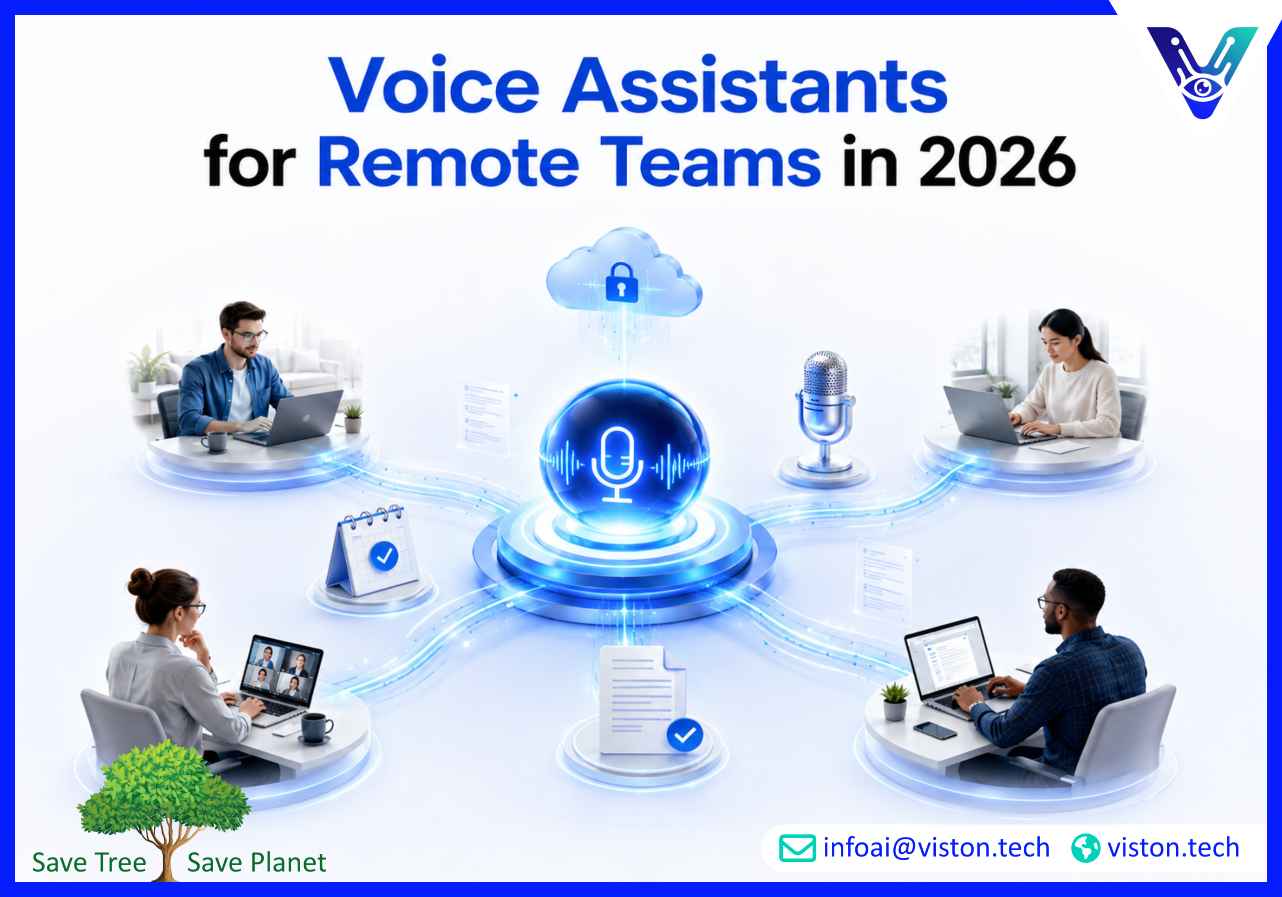
Voice assistants for remote teams help distributed businesses reduce communication friction, capture decisions, automate routine tasks, and support faster access to information when employees are working across different locations, tools, and time zones.
What Voice Assistants for Remote Teams Mean in Practice
Remote work has changed how teams communicate, search for information, attend meetings, and complete operational tasks. Instead of walking over to a colleague or checking a shared office board, employees now move between video calls, messaging platforms, project management tools, CRM systems, helpdesk portals, knowledge bases, and shared documents.Voice assistants for remote teams are designed to make these workflows easier through spoken interaction. They use automatic speech recognition to understand voice input, natural language processing to interpret intent, dialogue management to handle multi-step requests, and text-to-speech to deliver responses. When connected to business systems, they can retrieve information, summarize conversations, create tasks, schedule follow-ups, update records, and guide employees through internal processes.For remote teams, the value is not simply “talking to software.” The real value is reducing the manual effort required to find answers, document discussions, and coordinate work across distributed environments. A well-designed voice-enabled assistant can act as a practical interface between employees and the systems they already use.
Common remote team use cases
Summarizing online meetings and extracting action items
Creating tasks from spoken updates during standups
Searching internal knowledge bases through voice commands
Scheduling meetings across time zones
Capturing project notes while employees are on the move
Providing onboarding support for remote employees
Helping support, sales, HR, and operations teams complete repetitive workflows
Improving accessibility for employees who prefer or need voice-based interaction
These capabilities are especially useful for businesses where remote employees spend significant time in meetings, handle high volumes of internal requests, or depend on fast access to operational knowledge. In 2026, voice assistants are becoming more relevant because teams expect AI tools to work inside their existing collaboration stack rather than remain separate, isolated applications.
Why Remote Teams Need Voice-Enabled Assistants in 2026
Remote teams often face a productivity problem that is not caused by lack of tools, but by too many disconnected tools. A team may use one platform for meetings, another for tasks, another for customer records, another for documentation, and another for internal communication. Employees spend valuable time switching contexts, searching for updates, and turning conversations into trackable work.Voice-enabled assistants can reduce this friction by giving teams a faster way to interact with information and workflows. Instead of manually opening multiple systems, an employee can ask for the latest project update, dictate a task, request a meeting summary, or check whether a customer issue has been assigned. When implemented properly, the assistant becomes a productivity layer across remote operations.
Meeting overload and poor follow-through
Remote teams rely heavily on calls and video meetings, but decisions often get lost after the meeting ends. Someone needs to write notes, identify action items, confirm owners, send recaps, and update project systems. When this work is skipped, teams lose clarity.A voice assistant can support meeting workflows by capturing key discussion points, identifying next steps, creating follow-up tasks, and helping participants retrieve summaries later. This does not replace human judgment, but it reduces administrative load and improves accountability.
Information scattered across systems
Distributed employees need quick access to policies, project documents, customer notes, process guides, and team updates. Searching manually across multiple tools can slow down work, especially for new hires or employees in different time zones.A voice-enabled assistant can provide a conversational way to search approved business knowledge. The assistant can answer questions, point employees to the right source, or escalate when the information is unclear. This helps remote teams maintain consistency without requiring every employee to know where every document lives.
Time zone delays
Remote teams often wait for answers because the right person is offline. Voice assistants can help by answering routine questions from approved sources, checking task status, creating reminders, and guiding employees through standard workflows without waiting for a colleague to respond.This is particularly valuable for global businesses where sales, support, delivery, and operations teams work asynchronously. The goal is not to remove collaboration, but to prevent routine dependency from slowing progress.
Accessibility and hands-free productivity
Voice interaction also supports employees who benefit from hands-free or speech-based workflows. This may include team members working from mobile devices, employees with accessibility needs, field workers connected to remote teams, or managers who need to capture updates between meetings.For remote teams, inclusive technology design matters. A voice assistant should be easy to use, accurate across accents and environments, and flexible enough to support different working styles.
Key Capabilities a Remote Team Voice Assistant Should Include
Not every voice assistant is suitable for remote team workflows. Basic speech-to-text tools may capture words, but remote teams need assistants that understand context, integrate with systems, and support secure business processes. The right solution should combine conversational intelligence with practical workflow execution.
Accurate speech recognition
Speech recognition quality is the foundation of any voice-enabled assistant. Remote teams may work from home offices, coworking spaces, shared environments, or mobile locations. The assistant must handle different accents, speaking styles, background noise, and meeting formats.Accuracy also depends on business terminology. Product names, customer names, internal project codes, technical phrases, and department-specific language should be recognized correctly. Without domain adaptation, the assistant may misunderstand important details and create poor records.
Natural language understanding
A useful assistant must understand what the employee wants, not only the words spoken. For example, “send the recap to the product team,” “turn that into a task,” and “remind me before tomorrow’s client call” are different intents that require different actions.Natural language understanding helps the assistant identify intent, extract entities, manage conversation context, and ask clarifying questions when needed. This is especially important for multi-step workflows such as scheduling, task creation, CRM updates, support routing, or onboarding guidance.
Integration with collaboration and business systems
Remote teams depend on tools such as calendars, video meeting platforms, project management systems, CRM platforms, helpdesk tools, knowledge bases, communication apps, HR systems, and workflow automation platforms. A voice assistant becomes more valuable when it can connect with these systems through secure APIs and automation logic.Useful integrations may include:
Creating tasks in project management tools
Updating CRM notes after sales calls
Logging support actions in helpdesk platforms
Retrieving policy answers from internal knowledge bases
Scheduling meetings based on calendar availability
Sending summaries to team communication channels
Without integration, a voice assistant may only produce transcripts. With integration, it can support actual remote work execution.
Security, privacy, and access control
Voice assistants often handle sensitive business conversations, customer information, internal decisions, and employee data. Remote teams need clear controls around what is recorded, where transcripts are stored, who can access summaries, and how long data is retained.Strong implementation should include authentication, role-based access, encryption, audit trails, consent handling, data retention rules, and clear boundaries for sensitive requests. For regulated sectors, compliance requirements may also affect voice recording, customer data processing, and cross-border data storage.
Analytics and continuous improvement
A remote team voice assistant should improve over time. Analytics can show which requests are common, where the assistant fails, which workflows save time, and where human review is still needed. Teams should monitor completion rate, recognition errors, escalation frequency, user satisfaction, task accuracy, and workflow success.Continuous optimization helps the assistant stay aligned with changing tools, policies, team structures, and business processes.
How to Implement Voice Assistants for Remote Teams Successfully
Successful implementation starts with clear use cases. Many businesses make the mistake of trying to automate every remote workflow at once. A better approach is to identify high-frequency, low-risk tasks where voice interaction can remove friction quickly.
Start with practical workflows
Good starting points include meeting summaries, task creation, internal knowledge search, onboarding support, helpdesk triage, sales call notes, and project update capture. These workflows are common across remote teams and usually create measurable value because they reduce manual documentation and improve follow-through.Once the assistant proves reliable, the business can expand into more complex workflows such as CRM updates, customer support automation, employee service requests, approval routing, or cross-team reporting.
Define the assistant’s role clearly
A voice assistant should have defined responsibilities. Employees need to know what it can do, what it cannot do, and when human judgment is required. This prevents unrealistic expectations and reduces operational risk.For example, the assistant may be allowed to draft a project update, but not send it without confirmation. It may summarize a client call, but not change a contract record without approval. It may answer HR policy questions from approved documents, but escalate sensitive employment matters to the HR team.
Train on real team language
Remote teams often develop their own vocabulary. They use abbreviations, project names, client references, sprint terminology, product labels, and shorthand phrases. The assistant should be trained and tested on real examples of how employees speak.This requires reviewing meeting transcripts, support requests, internal FAQs, knowledge base content, project workflows, and team-specific terminology. Clean, accurate, and approved content is essential because the assistant’s performance depends heavily on the quality of the knowledge it can access.
Build human review into important workflows
Voice assistants should support productivity without removing accountability. For sensitive or high-impact actions, businesses should use confirmation steps, approval workflows, and human-in-the-loop review.This is especially important for customer-facing updates, legal or financial information, employee records, access permissions, and executive communications. The assistant should make work faster, but not create avoidable risk through unchecked automation.
Measure adoption and business value
Remote team voice assistant performance should be measured against practical outcomes. Useful KPIs include time saved on meeting documentation, reduction in missed action items, number of tasks created accurately, knowledge search success rate, employee satisfaction, onboarding completion support, and workflow completion rate.The best results usually come when teams treat implementation as an ongoing improvement process rather than a one-time software deployment.
How Viston AI Supports Voice Assistants for Remote Team Workflows
Viston AI is relevant to voice assistants for remote teams because its Voice-Enabled Assistants service focuses on enterprise-grade conversational AI that combines speech recognition, natural language processing, and system integration. Viston AI lists Voice-Enabled AI Assistants among its AI service offerings and describes capabilities around voice interactions, multi-turn dialogue, enterprise integrations, multilingual support, analytics, and LLMOps infrastructure.For remote teams, these capabilities matter because the assistant must do more than transcribe conversations. It needs to understand spoken requests, connect with business systems, support secure workflows, and help distributed employees act on information quickly. A remote-first company may need voice-enabled support for meeting summaries, task routing, internal knowledge search, sales call documentation, employee onboarding, and cross-time-zone coordination.Viston AI’s broader service portfolio also includes AI chatbot development, NLP and text analysis, AI automation and workflow bots, agent integration services, multilingual support, AI strategy development, and MLOps. This makes its offering relevant for businesses that want voice assistants connected to operational systems rather than deployed as standalone tools.For organizations managing remote or hybrid teams across departments, Viston AI can support the design of voice-enabled workflows that balance usability, security, scalability, and measurable productivity outcomes. The most valuable implementations are built around real team needs, approved knowledge sources, reliable integrations, and continuous performance improvement.
Frequently Asked Questions
What are voice assistants for remote teams?
Voice assistants for remote teams are AI-powered tools that let employees use spoken commands to search information, summarize meetings, create tasks, schedule follow-ups, update systems, and complete routine workflows across distributed work environments.
How can voice assistants improve remote team productivity?
They reduce manual work by capturing meeting notes, extracting action items, answering routine internal questions, creating tasks, and helping employees interact with business systems faster. This improves follow-through and reduces context switching.
Are voice assistants useful for small remote teams?
Yes. Small remote teams can use voice assistants for meeting summaries, task reminders, onboarding support, knowledge search, and customer call documentation. The key is starting with focused workflows rather than complex automation.
What systems should a remote team voice assistant integrate with?
Useful integrations include calendars, video meeting tools, CRM platforms, helpdesk software, project management systems, team messaging apps, HR systems, workflow automation tools, and internal knowledge bases.
What security risks should businesses consider?
Businesses should consider voice recording consent, transcript storage, access permissions, customer data exposure, employee privacy, retention policies, encryption, audit trails, and compliance needs. Sensitive actions should include confirmation or human review.
Can Viston AI help build voice assistants for remote teams?
Yes. Viston AI’s Voice-Enabled Assistants service aligns with remote team use cases such as conversational workflows, speech recognition, NLP, business system integration, multilingual support, analytics, and ongoing optimization.
Conclusion
Voice assistants for remote teams are becoming a practical way to reduce meeting friction, improve documentation, support faster knowledge access, and automate routine coordination across distributed work environments. The strongest results come when voice-enabled assistants are connected to real business systems, trained on team-specific language, protected by strong security controls, and measured against productivity outcomes. For companies investing in Voice-Enabled Assistants, the goal should not be novelty; it should be clearer communication, faster execution, and more reliable remote operations. Viston AI offers relevant capabilities for businesses that want voice assistant workflows designed around practical team needs and scalable implementation.