
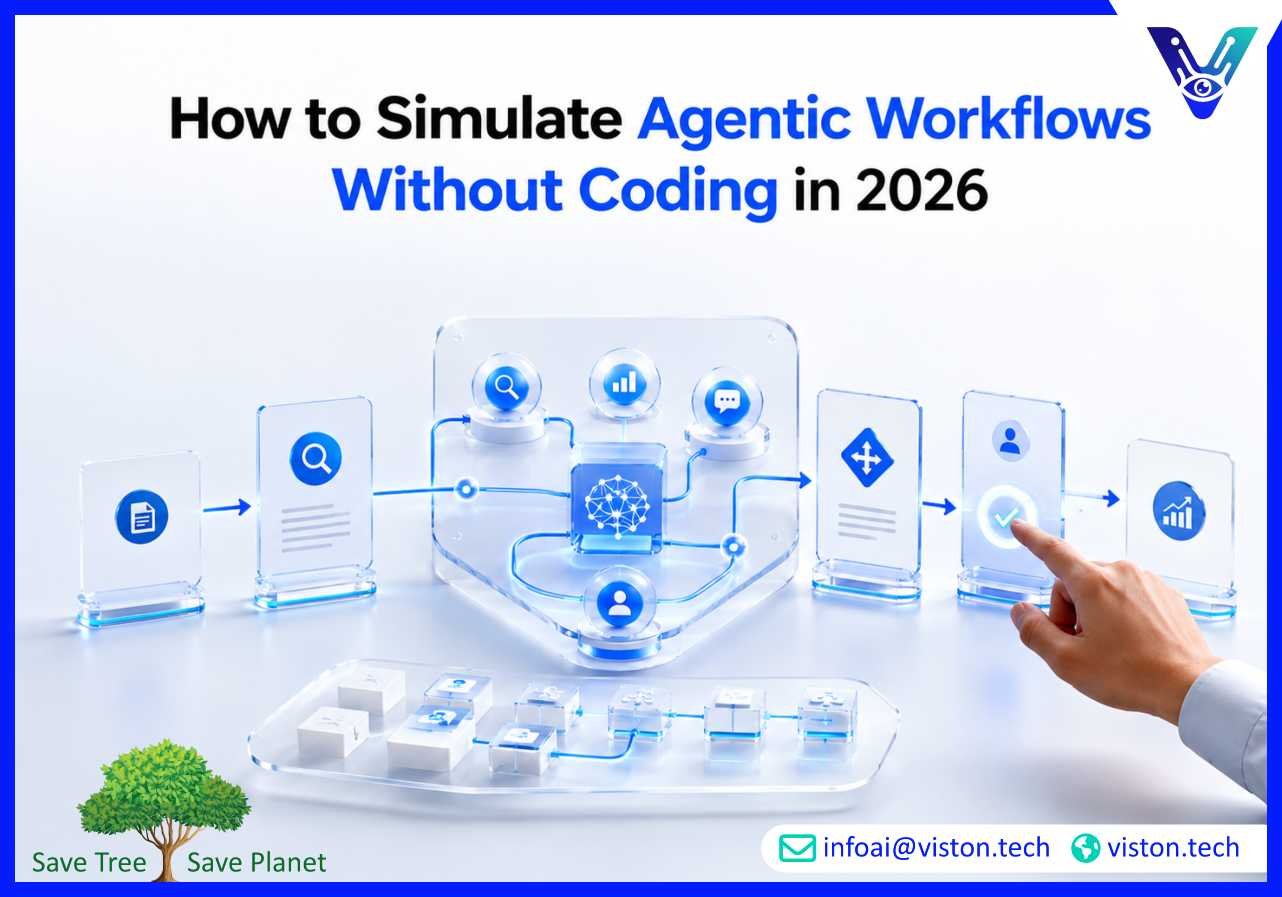
Simulating agentic workflows without coding helps businesses test AI-driven processes before investing in full development. For teams exploring Agentic AI Workflows, no-code simulation makes it easier to validate tasks, roles, approvals, risks, and expected outcomes in a practical business setting.
To simulate agentic workflows without coding means creating a working model of how AI agents would plan, make decisions, use tools, exchange information, and complete tasks without writing custom software. Instead of building production agents immediately, businesses use visual workflow tools, spreadsheets, process maps, prompt templates, automation platforms, and no-code AI builders to test the logic first.
This approach is useful because agentic workflows are more complex than basic automation. A traditional workflow may follow fixed rules, such as “if a form is submitted, send an email.” An agentic workflow can involve reasoning, task decomposition, document review, decision routing, data lookup, response generation, validation, and human approval.
Simulation allows teams to answer important questions before deployment:
The goal is not to create a perfect AI system on day one. The goal is to understand whether the workflow is suitable for agentic automation, what risks need controls, and what implementation requirements must be addressed.
In 2026, businesses are moving from AI experimentation toward operational AI adoption. Many teams have already used chatbots or generative AI tools, but fewer have successfully embedded AI agents into real business workflows. The gap usually appears when AI must connect with systems, follow policies, handle exceptions, and produce reliable business outcomes.
No-code simulation reduces that risk. It helps business and technology teams test an agentic workflow idea before committing budget, engineering time, or platform decisions. This is especially valuable for founders, operations leaders, marketing teams, data teams, product managers, and procurement teams that need evidence before approving implementation.
Simulation creates clarity. It shows how the workflow should behave in normal conditions, edge cases, and approval-heavy scenarios. It also helps teams identify whether a workflow is too vague, too risky, or too dependent on poor-quality data.
For companies exploring Agentic AI Workflows, no-code simulation is often the smartest starting point. It turns an abstract AI idea into a practical process design that can later be developed, integrated, secured, and optimized.
A good simulation starts with the business process, not the AI tool. The best candidates are workflows that involve repeated decisions, document handling, customer communication, internal handoffs, research, data entry, routing, reporting, or exception management.
Select a workflow with clear business value. Examples include lead qualification, support ticket triage, invoice review, employee onboarding, customer onboarding, compliance document checks, sales follow-up, market research, internal knowledge retrieval, or CRM update workflows.
Avoid starting with a workflow that is too broad. “Automate sales operations” is too large. “Simulate an AI workflow that qualifies inbound demo requests and drafts follow-up emails” is much clearer.
Break the workflow into specialist roles. Each agent should have a narrow responsibility. For example, a lead qualification workflow may include:
This role-based design makes the simulation easier to understand and later convert into a real agentic workflow.
Use a no-code diagramming or workflow tool to map the process. Each box should represent a task, agent, decision, system, or approval point. Keep the map simple enough for business stakeholders to review.
The map should show:
Even without coding, teams can simulate agent behavior using structured prompt templates. Each prompt should define the agent’s role, objective, available information, decision rules, output format, and escalation criteria.
For example, a no-code simulation prompt for a support triage agent may define how to classify tickets, detect urgency, identify missing information, and recommend the next action.
Run the simulated workflow using realistic examples. Do not test only clean cases. Include incomplete forms, unclear requests, conflicting data, duplicate records, urgent tickets, sensitive information, and edge cases.
This helps determine whether the workflow can handle real operational complexity or whether it needs better rules, clearer data, or stronger human oversight.
Agentic workflows should not operate without control. In no-code simulation, teams should clearly mark where human approval is required. This is especially important for financial decisions, customer-facing communication, compliance matters, legal language, refunds, contract changes, or sensitive data handling.
Track whether the workflow produces useful outputs. Relevant measures may include completion rate, accuracy, manual review time, number of escalations, quality of recommendations, data gaps, and expected time savings.
The simulation should produce enough evidence to decide whether the workflow is worth building, improving, or rejecting.
Businesses do not need a full engineering team to simulate agentic workflows. A practical no-code simulation can be built with common business tools and AI-enabled platforms.
Use visual mapping tools to design the workflow structure. This helps stakeholders understand the sequence of actions, agent roles, approvals, and exception paths.
Spreadsheets are useful for listing agent responsibilities, decision rules, data fields, risk levels, expected outputs, and evaluation results. They are simple, accessible, and effective for early-stage simulation.
Automation tools can simulate triggers, routing, notifications, approvals, and system handoffs. Even when AI execution is manual during testing, automation platforms help model the operating flow.
Teams can simulate agents by running role-specific prompts in AI tools. Each response can be passed manually to the next “agent” to test collaboration, handoffs, and validation logic.
Forms can capture workflow inputs, while boards can track status across stages such as intake, review, enrichment, approval, completion, and escalation.
The purpose of these tools is not to replace production implementation. They help teams design and validate the workflow before investing in a more reliable, integrated, and secure system.
Viston AI is relevant for businesses exploring how to simulate agentic workflows without coding because its focus on Agentic AI Workflows aligns with the need to move from AI ideas into practical, structured automation systems. Many organizations know they want AI agents but are not yet ready to build production-grade workflows. Simulation helps bridge that gap.
Viston AI can support businesses by helping identify suitable workflows, define agent roles, map process logic, assess integration requirements, and determine where human oversight is necessary. This is important because agentic automation depends on more than prompts. It requires clear workflow design, data readiness, secure tool access, validation rules, monitoring, and continuous improvement.
For companies across industries, Viston AI’s approach can help convert operational pain points into realistic agentic workflow models. These may include customer support routing, sales operations, data processing, internal knowledge workflows, onboarding, reporting, or back-office automation. The value is in creating a practical simulation that shows what should be automated, what should be reviewed, and what business outcome the workflow should support before full implementation begins.
Yes. Businesses can simulate agentic workflows without coding by using process maps, prompt templates, spreadsheets, AI chat tools, no-code automation platforms, and manual handoffs between simulated agent roles.
The best starting workflow is repetitive, high-value, and easy to evaluate. Good examples include lead qualification, support triage, customer onboarding, invoice review, document processing, and internal knowledge retrieval.
No. Simulation validates workflow logic and business feasibility. Production deployment requires secure integrations, access controls, testing, monitoring, governance, error handling, and ongoing optimization.
Simulation helps teams reduce risk, clarify requirements, identify data gaps, define approval rules, estimate value, and avoid building agentic workflows that are poorly designed or difficult to scale.
Yes. Viston AI’s work around Agentic AI Workflows is relevant for businesses that need support designing, simulating, building, and improving practical AI-driven workflows.
Learning how to simulate agentic workflows without coding is a practical first step for businesses exploring Agentic AI Workflows in 2026. It helps teams test process logic, agent roles, decision points, approvals, risks, and expected outcomes before committing to full implementation. A well-designed simulation can reveal whether an AI workflow is valuable, realistic, and safe to deploy. For organizations that want structured support, Viston AI can help turn early workflow ideas into practical agentic automation models that support real business operations.
