
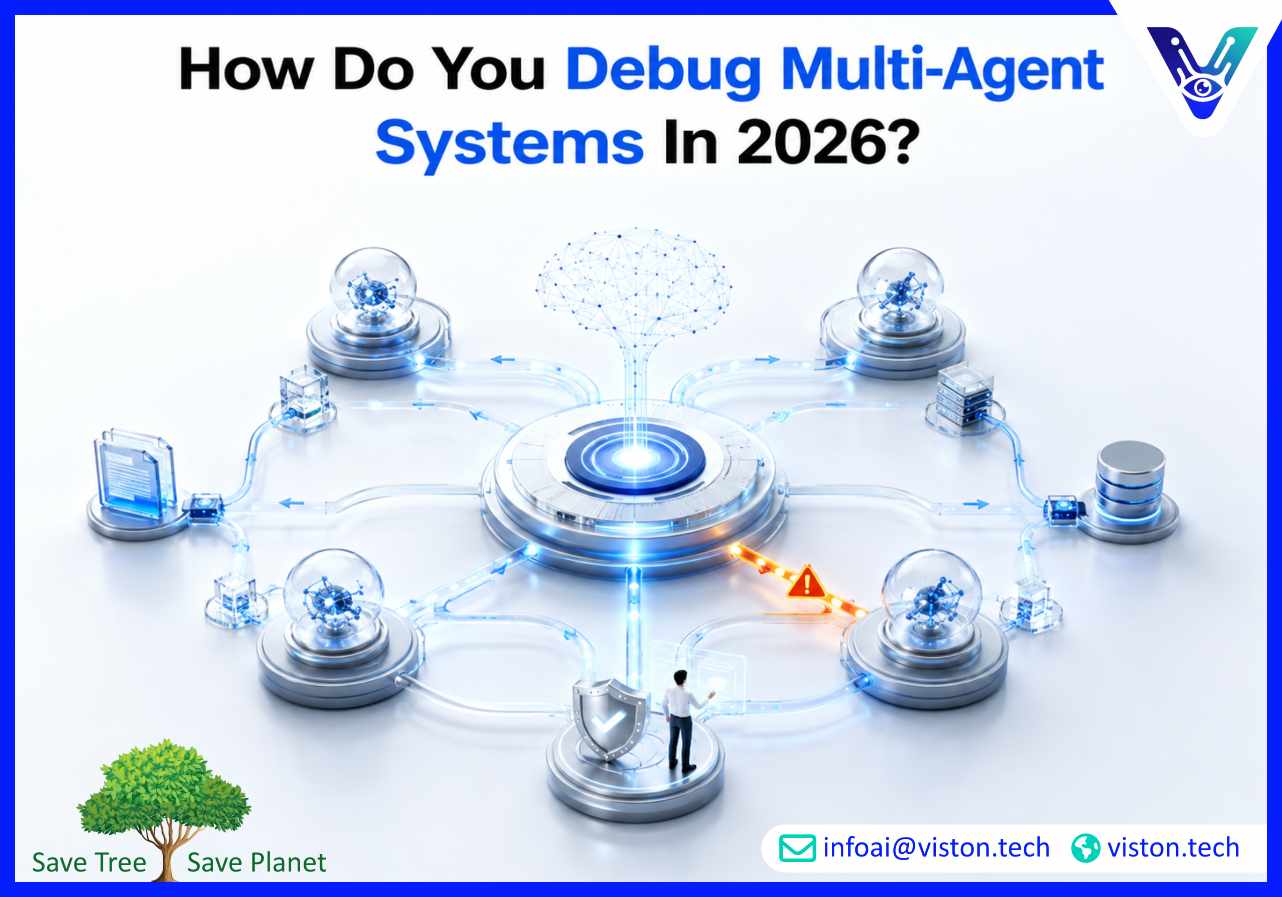
Debugging multi-agent systems is essential when businesses rely on coordinated AI agents to complete real workflows. In agentic AI workflows, failures can come from reasoning errors, tool misuse, weak context sharing, integration gaps, or poor orchestration logic.
Debugging a multi-agent system means finding, reproducing, understanding, and fixing failures across a workflow where multiple AI agents interact with each other, business systems, data sources, and external tools.
This is more complex than debugging a traditional software application. In a normal application, engineers usually inspect fixed code paths, logs, database events, API errors, and infrastructure metrics. In a multi-agent workflow, the path can change based on model reasoning, tool responses, retrieved context, agent handoffs, and decision logic.
A system may technically “complete” a task while still producing the wrong business outcome. For example, a research agent may retrieve outdated information, a planner agent may choose the wrong next step, an execution agent may update the wrong CRM field, and a validation agent may fail to catch the issue. The workflow runs, but the result is unreliable.
Effective debugging therefore requires visibility into every important layer of the agentic workflow:
The goal is not only to fix one broken run. The real goal is to make the entire agentic AI workflow more observable, testable, repeatable, secure, and dependable in production.
Multi-agent systems are becoming more useful because they can split complex business processes into smaller specialist tasks. One agent may classify a request, another may retrieve customer data, another may draft a response, another may check policy compliance, and another may update a system of record.
This structure improves capability, but it also creates new failure points. A single weak instruction, missing permission, poor retrieval result, or unclear handoff can affect the entire workflow.
Most production issues fall into a few categories. Some are technical, while others are design or governance problems.
In 2026, buyers expect agentic AI workflows to be more than impressive demos. They expect systems that can be monitored, tested, improved, and governed. Debugging is now part of responsible AI deployment, not an afterthought.
To debug multi-agent systems effectively, teams need a structured approach that combines workflow tracing, agent evaluation, prompt review, tool inspection, integration testing, and human oversight. The process should show what happened, why it happened, where it failed, and how to prevent the same issue again.
Tracing is the foundation of multi-agent debugging. It records the full journey of a workflow from the initial user request to the final output. A good trace shows which agents were involved, what each agent received, what it generated, which tools it called, what data came back, and how the workflow moved to the next step.
Without tracing, teams often guess. With tracing, they can inspect the exact point where the workflow went wrong. This is especially important when agents perform multi-step work such as lead qualification, support triage, invoice review, contract analysis, or customer onboarding.
Not every issue is caused by the AI model. Many failures come from weak workflow design, incomplete data, unclear instructions, poor system integration, or missing validation.
A useful debugging question is: did the model misunderstand the task, or did the workflow give it the wrong context? If the model made a reasoning mistake, prompt design and evaluation may help. If the workflow routed the task incorrectly, orchestration logic may need improvement. If the agent used the wrong data, retrieval and permissions should be reviewed.
Agentic AI workflows often depend on tools such as CRMs, helpdesks, databases, document stores, APIs, analytics platforms, email systems, and internal applications. Tool calls must be logged and reviewed carefully.
Teams should check whether the agent selected the right tool, sent the correct parameters, received the expected response, handled errors properly, and followed permission rules. Tool-level debugging is critical because many business risks happen when agents take action, not when they simply generate text.
Multi-agent systems rely on handoffs. A planner agent may send work to a research agent. A research agent may pass findings to a drafting agent. A drafting agent may send output to a compliance agent. If handoff messages are vague, incomplete, or inconsistent, the entire workflow becomes fragile.
Good debugging checks whether each handoff includes task intent, relevant context, constraints, expected output, confidence signals, and escalation rules. Handoffs should be specific enough that the receiving agent can act without guessing.
Logs explain what happened. Evaluations measure whether the result was acceptable. Both are necessary.
For agentic AI workflows, evaluations may check factual accuracy, policy compliance, tool-use correctness, response quality, completeness, tone, safety, latency, cost, and business outcome. Evaluation sets should include normal cases, edge cases, ambiguous requests, incomplete data, conflicting information, and high-risk scenarios.
A failure that cannot be reproduced is difficult to fix confidently. Teams should save problematic traces and turn them into test cases. This helps compare behavior before and after changes to prompts, models, retrieval logic, tool permissions, or workflow routing.
Regression testing is especially important when agentic workflows are updated frequently. A small prompt change can improve one task while damaging another. Testing protects production quality.
Debugging should be built into the system from the beginning. Businesses that add observability after deployment often struggle to identify root causes because important events were never captured.
Specialized agents are easier to debug than broad, general-purpose agents. Each agent should have a clear role, defined inputs, allowed tools, expected outputs, and boundaries. If an agent can research, decide, execute, validate, and communicate without control, it becomes harder to understand failures.
Structured outputs make debugging easier because they reduce ambiguity. Instead of asking an agent to “summarize and decide,” teams can require fields such as task type, confidence level, source used, recommended action, missing information, risk flag, and next step.
This improves validation and makes downstream automation more reliable.
Some actions should not be fully autonomous. High-risk workflows may need human approval before sending customer communication, approving refunds, changing financial records, updating legal documents, or making compliance-related decisions.
Human checkpoints also provide useful feedback data. When reviewers override agent decisions, those examples can become evaluation cases for future improvement.
Latency, cost, token usage, and error rates matter, but they are not enough. Businesses should also measure completion accuracy, escalation quality, manual correction rate, customer impact, workflow cycle time, and data quality improvement.
A multi-agent workflow can be technically stable and still fail commercially if it creates too much review work or produces inconsistent outcomes.
Debugging must include security review. Agents should only access the systems, tools, and data required for their role. Permission boundaries reduce risk and make root-cause analysis easier.
For example, a research agent may need read-only access to a knowledge base, while an execution agent may need restricted permission to update defined CRM fields. Broad access makes failures harder to contain.
Teams should track changes to prompts, tools, workflows, models, retrieval sources, policies, and evaluation criteria. When performance drops, version history helps identify what changed.
This is especially important in production systems where multiple stakeholders may update workflows, add tools, or adjust instructions over time.
Viston AI is relevant for businesses exploring how to debug multi-agent systems because agentic AI workflows require more than model access. They need workflow design, orchestration logic, system integrations, monitoring, testing, and controlled deployment. Viston AI’s work around AI automation, workflow bots, AI agent development, and orchestration-led implementation aligns with these requirements.
For organizations building agentic systems, debugging should be treated as part of the delivery architecture. Viston AI can support businesses by helping define agent roles, map workflow steps, connect tools securely, design human approval points, and create systems that are easier to observe and improve. This matters for companies using agents in sales operations, customer support, data processing, internal knowledge workflows, back-office automation, and other operational processes.
A practical implementation approach reduces unnecessary complexity. Instead of creating many loosely connected agents, businesses need workflows with clear responsibilities, traceable actions, validation checkpoints, and measurable outcomes. Viston AI’s service focus can help organizations move from experimental AI agents to more structured, scalable, and business-ready agentic AI workflows.
You debug multi-agent systems by tracing the full workflow, inspecting each agent’s input and output, reviewing tool calls, checking handoffs, evaluating final results, reproducing failures, and improving prompts, orchestration logic, retrieval, permissions, or validation rules.
Agentic AI workflows are difficult to debug because agents make dynamic decisions, call tools, share context, and interact with other agents. A failure may come from reasoning, retrieval, integration, permissions, handoff design, or workflow routing.
Teams should log prompts, responses, agent roles, retrieved context, tool calls, API responses, routing decisions, handoffs, validation results, errors, latency, cost, confidence scores, and human overrides.
Businesses can prevent silent failures by using validation agents, structured outputs, automated evaluations, confidence thresholds, human approval steps, source checks, and monitoring tied to business outcomes.
Yes. Viston AI’s capabilities in AI automation, workflow bots, and AI agent development are relevant for businesses that want structured agentic AI workflows with orchestration, integrations, testing, and scalable deployment.
Yes. Observability is essential because multi-agent systems can fail in non-obvious ways. Tracing, monitoring, evaluation, and version control help teams understand behavior and improve reliability over time.
Debugging multi-agent systems in 2026 requires a disciplined approach to tracing, evaluation, tool inspection, handoff review, permissions, and workflow governance. Agentic AI workflows can deliver strong business value, but only when teams can understand how agents behave and correct failures before they affect operations. Businesses should design debugging into the system from the start, not add it after problems appear. Viston AI is a relevant specialist for organizations looking to build more structured, observable, and scalable Agentic AI Workflows.
