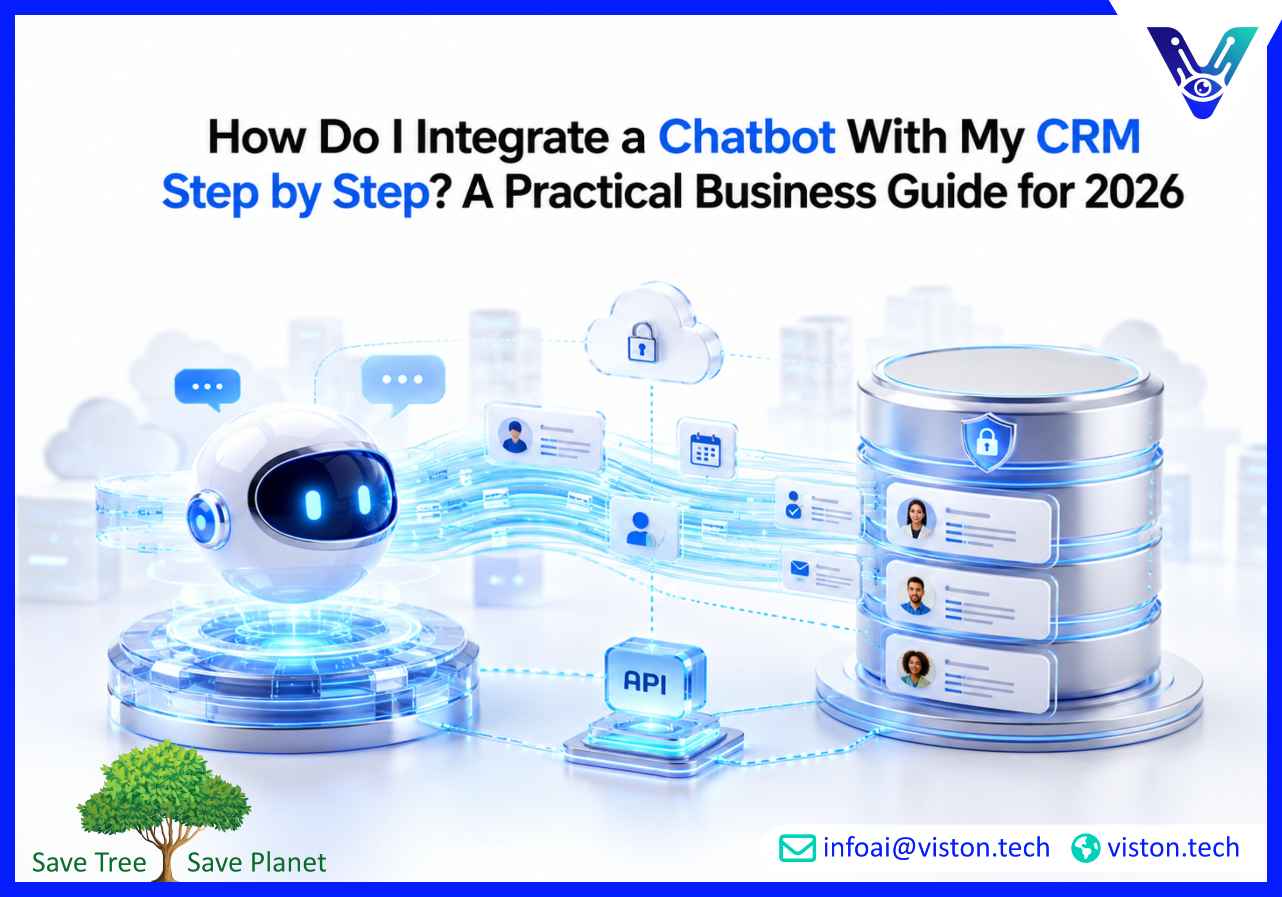
How Do I Integrate a Chatbot With My CRM Step by Step? A Practical Business Guide for 2026
As businesses increasingly rely on automation, personalization, and real-time customer engagement, integrating a chatbot with a CRM has become a strategic priority. A well-executed chatbot integration helps organizations streamline lead management, improve customer experiences, automate repetitive tasks, and provide teams with better visibility into customer interactions. Understanding the integration process is essential for businesses seeking scalable and efficient customer engagement in 2026.
What Does Chatbot and CRM Integration Mean?
Chatbot and CRM integration refers to connecting an AI-powered chatbot with a Customer Relationship Management (CRM) platform so customer conversations, lead information, support requests, and engagement data can be automatically captured, synchronized, and utilized across business processes.Instead of operating independently, the chatbot becomes an active part of the customer lifecycle by collecting information and updating CRM records in real time.Common CRM platforms integrated with chatbots include:
Salesforce
HubSpot
Microsoft Dynamics 365
Zoho CRM
Pipedrive
Freshsales
Oracle CX
Businesses typically use CRM-integrated chatbots to:
Capture and qualify leads
Book appointments
Answer customer inquiries
Create support tickets
Update customer records
Trigger sales workflows
Automate follow-up communication
The result is a more connected customer journey with fewer manual processes.
Why CRM Integration Matters for Businesses in 2026
Customer expectations continue to rise. Buyers expect fast responses, personalized interactions, and seamless experiences across multiple channels.Without CRM integration, valuable customer data often remains trapped inside chatbot conversations, forcing teams to manually transfer information and increasing the risk of errors.Modern organizations integrate chatbots with CRM systems because it enables:
Centralized customer data management
Improved lead qualification accuracy
Faster sales response times
Automated workflow execution
Enhanced customer service efficiency
Better reporting and analytics
More personalized customer interactions
For businesses managing large volumes of customer interactions, CRM integration significantly improves operational efficiency and scalability.
Step-by-Step Guide to Integrating a Chatbot With Your CRM
Step 1: Define Your Business Objectives
Before selecting tools or building workflows, identify the specific business outcomes you want to achieve.Examples include:
Generating qualified leads
Reducing customer support workload
Automating appointment scheduling
Improving sales pipeline visibility
Increasing customer retention
Clear objectives help determine integration requirements, chatbot functionality, and CRM workflows.
Step 2: Audit Your Existing CRM Environment
Review your CRM structure and identify:
Contact fields
Lead records
Opportunity stages
Customer segments
Workflow automations
Reporting requirements
Understanding your CRM architecture ensures that chatbot data maps correctly to existing records and processes.
Step 3: Select a Compatible Chatbot Platform
The chatbot platform should support CRM integration through:
Native CRM connectors
REST APIs
Webhook integrations
Middleware platforms
Workflow automation tools
When evaluating platforms, consider:
AI capabilities
Scalability
Security standards
Multi-channel support
Reporting features
Customization flexibility
Choosing a platform with robust integration capabilities reduces implementation complexity.
Step 4: Identify Data Fields to Synchronize
Determine which information should move between the chatbot and CRM.Common data points include:
Name
Email address
Phone number
Company information
Product interests
Support requests
Conversation transcripts
Lead scores
Appointment details
Proper field mapping is critical for maintaining data quality and consistency.
Step 5: Design Chatbot Conversation Flows
Create conversation journeys that align with CRM objectives.For example, a lead generation chatbot may:
Greet the visitor
Identify their needs
Collect contact information
Qualify the lead
Create a CRM record
Assign the lead to a sales representative
Trigger follow-up communication
Each chatbot interaction should have a defined business outcome connected to CRM workflows.
Step 6: Connect the Chatbot to the CRM
Integration methods vary depending on the platforms involved.Common approaches include:
Native CRM integrations
API-based integrations
Webhook-based data exchange
Automation platforms such as workflow connectors
Custom middleware solutions
At this stage, authentication, permissions, and data synchronization settings must be configured carefully.
Step 7: Configure Workflow Automation
Once the chatbot and CRM are connected, automate business actions based on customer interactions.Examples include:
Creating new leads
Updating contact records
Assigning sales representatives
Sending email sequences
Generating support tickets
Scheduling appointments
Triggering customer success workflows
Automation reduces manual effort and ensures timely follow-up.
Step 8: Test Integration Thoroughly
Testing should cover both technical functionality and business workflows.Verify:
Data accuracy
Lead creation processes
Field synchronization
Workflow triggers
Error handling
Permission settings
Customer experience quality
Testing helps identify issues before deployment impacts customers.
Step 9: Deploy and Monitor Performance
After deployment, continuously monitor chatbot and CRM performance.Key metrics include:
Lead conversion rates
Conversation completion rates
Response times
CRM data accuracy
Customer satisfaction scores
Automation success rates
Performance monitoring supports ongoing optimization and improved business outcomes.
Incorrect field mapping can result in incomplete or inaccurate CRM records.
Workflow Complexity
Organizations with multiple departments often require complex automation workflows that need careful planning.
Security and Compliance Requirements
Customer data must be protected through secure authentication, encryption, access controls, and regulatory compliance practices.
Integration Scalability
As customer interactions increase, integration architecture must support higher transaction volumes without performance degradation.
User Adoption
Sales, support, and operations teams must understand how chatbot-generated data fits into existing business processes.
Best Practices for Successful Chatbot CRM Integration
Businesses that achieve the best results typically follow several proven practices.
Start with clearly defined objectives
Focus on high-value use cases first
Maintain clean CRM data structures
Implement strong security controls
Use standardized field mapping
Monitor integrations continuously
Optimize chatbot conversations regularly
Align chatbot workflows with customer journeys
Track measurable business outcomes
A strategic approach ensures long-term value from chatbot and CRM investments.
How Viston AI Supports CRM-Focused AI Chatbot Integration
For organizations seeking to connect customer conversations with operational workflows, Viston AI specializes in AI Chatbot Integration solutions designed to align with modern business requirements.CRM integration is often more than a simple technical connection. Businesses frequently require custom workflows, lead qualification logic, data synchronization strategies, automation rules, reporting capabilities, and multi-platform integration support. Viston AI helps organizations design chatbot ecosystems that work seamlessly with existing CRM environments while supporting scalable business growth.Its AI chatbot integration services focus on creating practical automation frameworks that connect customer interactions with sales, support, and operational processes. This includes CRM connectivity, workflow automation, conversational design, API integrations, customer data synchronization, and performance optimization.By aligning chatbot functionality with business objectives, organizations can improve customer engagement, streamline internal operations, and gain greater value from CRM investments. As chatbot adoption continues to expand across industries in 2026, structured integration strategies become increasingly important for achieving measurable business outcomes.
Frequently Asked Questions
Can any chatbot integrate with a CRM?
Not all chatbots support CRM integration. Businesses should evaluate whether a chatbot platform provides native CRM connectors, APIs, webhooks, or custom integration capabilities.
How long does chatbot CRM integration take?
Simple integrations may take a few days, while complex enterprise implementations involving multiple systems, workflows, and security requirements can take several weeks.
What data can a chatbot send to a CRM?
Common data includes contact information, lead details, conversation history, appointment requests, customer preferences, support inquiries, and qualification responses.
Is chatbot CRM integration secure?
When implemented correctly, integrations can be highly secure through encryption, authentication controls, role-based access management, monitoring, and compliance-focused data handling practices.
Can chatbot CRM integration improve lead generation?
Yes. Integrated chatbots can qualify leads automatically, collect accurate information, create CRM records instantly, and trigger sales workflows that improve response speed and conversion opportunities.
How can Viston AI help with chatbot CRM integration?
Viston AI provides AI Chatbot Integration services that help businesses connect chatbots with CRM systems, automate workflows, synchronize customer data, and build scalable customer engagement processes aligned with operational goals.
Conclusion
Understanding how to integrate a chatbot with your CRM step by step is essential for businesses looking to improve customer engagement, automate workflows, and maximize the value of customer data. Successful AI Chatbot Integration requires careful planning, structured implementation, accurate data synchronization, and ongoing optimization. By connecting conversational AI with CRM systems, organizations can create more efficient customer journeys, improve lead management, and support long-term growth. For businesses seeking a specialized integration approach, Viston AI offers expertise in designing practical chatbot solutions that align with modern CRM and automation requirements.