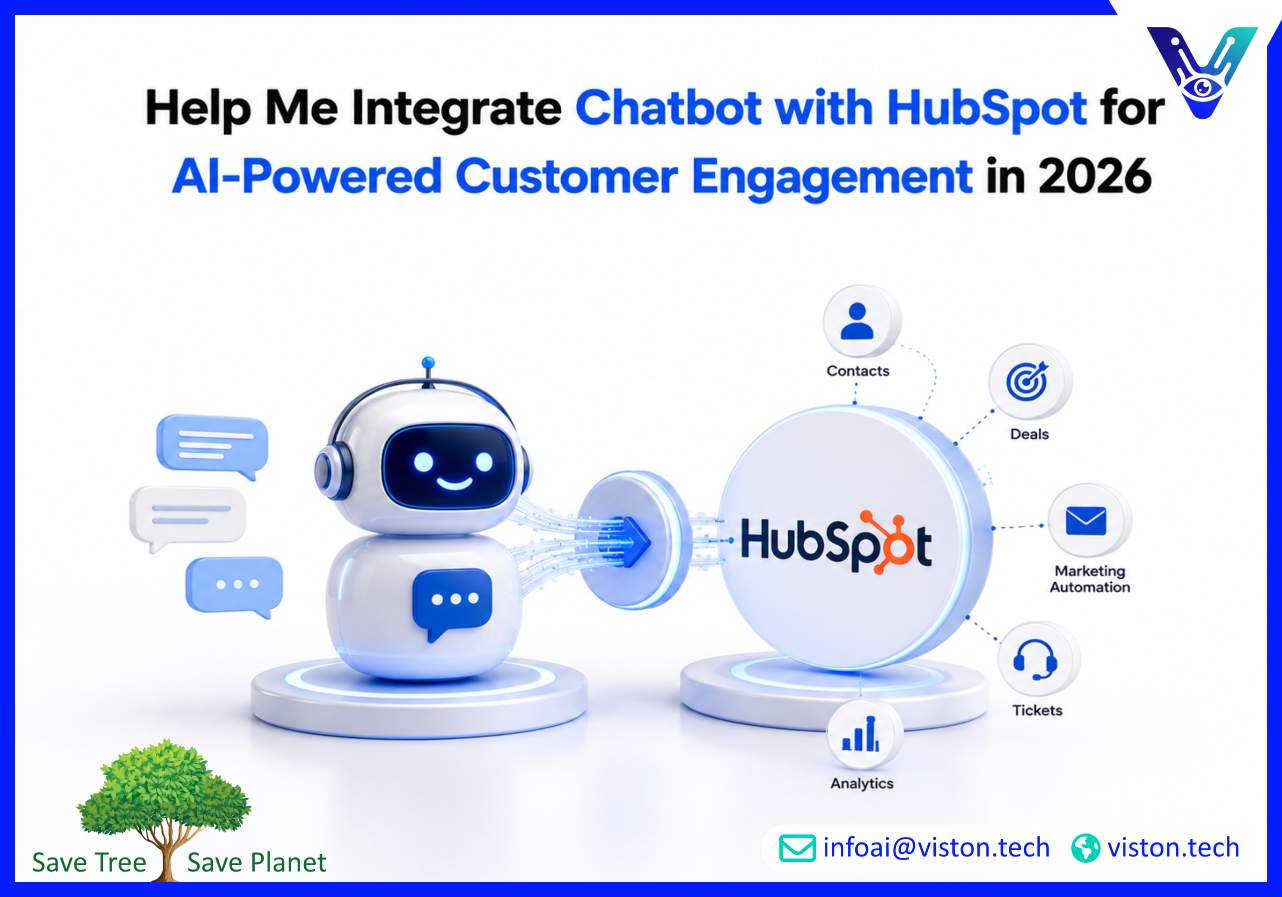
Help Me Integrate Chatbot with HubSpot for AI-Powered Customer Engagement in 2026
Integrating a chatbot with HubSpot has become a critical strategy for businesses aiming to unify customer data, automate lead handling, and improve real-time engagement. In 2026, companies using AI chatbot development with CRM platforms like HubSpot are achieving faster response cycles, better lead qualification, and more efficient marketing automation across digital channels.
Why Integrating a Chatbot with HubSpot Matters in 2026
HubSpot has evolved into a central hub for marketing, sales, and customer service operations. When combined with an AI chatbot, it transforms from a passive CRM into an active engagement engine that captures, qualifies, and nurtures leads in real time.Modern customers expect instant responses. A chatbot integrated with HubSpot ensures that every visitor interaction is captured, categorized, and routed into the CRM without delay. This eliminates manual data entry and reduces lead leakage significantly.Businesses also gain access to unified customer profiles. Every chatbot interaction—questions, preferences, behavior patterns—can be stored inside HubSpot, enabling sales and marketing teams to personalize outreach based on real conversational data.In 2026, this integration is no longer optional. It is a competitive requirement for businesses that rely on inbound marketing, automation workflows, and scalable customer engagement systems.
Key Use Cases of Chatbot Integration with HubSpot
Integrating a chatbot with HubSpot unlocks multiple business use cases across marketing, sales, and customer support. These use cases help organizations streamline operations while improving customer experience.
Lead Capture and Qualification
A chatbot can engage website visitors, ask qualifying questions, and automatically push structured lead data into HubSpot CRM. This includes name, email, company size, intent, and budget signals.Instead of static forms, conversational qualification increases completion rates and reduces friction in the lead capture process.
Automated Sales Pipeline Management
Once leads enter HubSpot, chatbot data can trigger workflows such as lead scoring, segmentation, and sales assignment. High-intent users can be routed directly to sales representatives in real time.This reduces response time and increases conversion probability, especially in B2B environments.
Customer Support Automation
Chatbots integrated with HubSpot Service Hub can handle common support queries, create tickets, and update case statuses automatically. This ensures that customers receive immediate responses while support teams focus on complex issues.
Personalized Marketing Automation
Every chatbot interaction enriches HubSpot contact profiles. This enables dynamic email campaigns, behavior-based segmentation, and personalized content delivery based on real user intent.
Appointment Booking and Scheduling
Chatbots can sync with HubSpot calendars to schedule meetings, demos, and consultations. This removes manual coordination and accelerates the sales cycle.
Step-by-Step Approach to Integrating Chatbot with HubSpot
A structured integration approach ensures stability, scalability, and long-term performance. Businesses should follow a systematic implementation process rather than deploying ad-hoc connections.
Step 1: Define Business Objectives
Start by identifying what the chatbot should achieve within HubSpot. Common goals include lead generation, customer support automation, or sales pipeline acceleration.Clear objectives help determine what data needs to be captured and how it should flow into HubSpot properties, contacts, and workflows.
Step 2: Map HubSpot Data Structure
Before integration, businesses must understand HubSpot’s structure, including contacts, companies, deals, tickets, and custom properties.This ensures chatbot data is stored in the correct format and used effectively across CRM workflows and reporting dashboards.
Step 3: Choose Integration Method
There are multiple ways to connect chatbots with HubSpot:
API-based integration is typically preferred for enterprise-grade scalability and real-time synchronization.
Step 4: Design Conversational Data Capture
The chatbot must be designed to collect structured data aligned with HubSpot fields. This includes contact details, company information, intent signals, and behavioral attributes.Well-designed conversation flows ensure that data is both user-friendly and CRM-ready.
Step 5: Implement Workflow Automation
Once data flows into HubSpot, automation workflows can be configured. These include lead assignment rules, email nurturing sequences, ticket creation triggers, and sales notifications.This step transforms raw chatbot interactions into actionable business processes.
Step 6: Test Integration End-to-End
Testing ensures that chatbot data is correctly mapped, workflows trigger accurately, and no information is lost during transmission.Businesses should test multiple scenarios, including edge cases, incomplete inputs, and high-traffic conditions.
Step 7: Monitor and Optimize Performance
After deployment, continuous monitoring is essential. Key metrics include lead conversion rates, chatbot engagement, CRM data accuracy, and workflow performance.Optimization ensures the integration evolves with business needs and customer behavior patterns.
Technical Architecture and Best Practices for HubSpot Chatbot Integration
A successful integration requires a strong technical foundation that ensures reliability, security, and scalability.
API-First Architecture
Using HubSpot’s APIs allows real-time data exchange between chatbot systems and CRM infrastructure. This ensures that every interaction is instantly reflected in customer records.
Event-Driven Data Sync
Event-driven architecture enables chatbots to trigger HubSpot actions based on user behavior, such as form submissions, intent detection, or conversation completion.
Data Mapping and Standardization
Proper mapping between chatbot fields and HubSpot properties ensures data consistency. Standardized formats improve reporting accuracy and segmentation quality.
Security and Compliance Controls
Since CRM systems contain sensitive customer data, encryption, authentication, and access control must be implemented. Compliance with data protection standards is essential in 2026.
Scalability Considerations
The integration should support increasing conversation volumes without performance degradation. Cloud-based infrastructure and modular design help achieve scalability.
How Viston AI Enables HubSpot Chatbot Integration
Viston AI specializes in AI chatbot development with a strong focus on CRM integration, including HubSpot. The goal is to help businesses connect conversational intelligence with structured CRM workflows that drive measurable business outcomes.Through its AI chatbot development capabilities, Viston AI enables seamless synchronization between chatbot interactions and HubSpot records. This includes automated lead capture, real-time data updates, and intelligent routing of customer queries into sales or support pipelines.Businesses using Viston AI benefit from tailored integration strategies that align chatbot workflows with HubSpot’s marketing, sales, and service modules. This ensures that every conversation contributes directly to pipeline growth, customer satisfaction, and operational efficiency.For organizations in CRM-driven industries, this integration approach helps eliminate data silos and creates a unified customer journey across all digital touchpoints.
Frequently Asked Questions
How do I integrate a chatbot with HubSpot?
You can integrate a chatbot with HubSpot using native tools, APIs, or third-party automation platforms. API-based integration is preferred for real-time and scalable implementations.
What data can a chatbot send to HubSpot?
A chatbot can send contact details, lead information, conversation history, intent signals, and behavioral data into HubSpot CRM for segmentation and automation.
Is HubSpot chatbot integration suitable for small businesses?
Yes. Small businesses can use chatbot integration to automate lead capture, improve customer response times, and reduce manual CRM management tasks.
Can chatbot data trigger HubSpot workflows?
Yes. Chatbot interactions can trigger automated workflows such as email campaigns, lead assignment, ticket creation, and sales notifications.
Does Viston AI support HubSpot chatbot integration?
Yes. Viston AI provides AI chatbot development services that include full integration with HubSpot for lead generation, customer engagement, and CRM automation.
Conclusion
Integrating a chatbot with HubSpot is one of the most effective ways to modernize customer engagement and streamline CRM operations in 2026. It enables businesses to capture leads in real time, automate workflows, and create personalized customer journeys based on live conversational data. When implemented correctly, this integration transforms HubSpot into an active intelligence system rather than a static database. Organizations that invest in structured AI chatbot development and CRM integration strategies will be better positioned to scale operations, improve conversion rates, and deliver seamless digital experiences across all customer touchpoints. Viston AI supports this transformation through practical, scalable chatbot integration solutions built for modern business needs.