
Updated October 15, 2026. Imagine your product team has approved a new SaaS dashboard. The designer has finished the screens, the product manager has written the requirements, and the engineering lead is ready to build. Then the familiar questions begin: Which spacing rules are final? What happens when the API fails? Does the mobile layout use the same component? Which version of the design reflects the latest decision?
AI coding agents can generate a frontend from a design, but generating code is not the same as understanding a product. Figma’s announcements at Config India 2026 address that missing context. Its new Figma Specs, expanded code layers, and enhanced Model Context Protocol (MCP) capabilities aim to connect design intent, working prototypes, and agent-assisted development. The opportunity is a more coherent design-to-code workflow—not an automatic shortcut to production software.
According to Figma’s official Config India release documentation, the updates have different maturity levels:
Beta access is gradual, and functioning prototypes still require production validation.
A design frame shows how an interface should look. It rarely explains every business rule behind it. Consider a sales dashboard: the screenshot might display a revenue chart, while omitting whether a user can see another region’s numbers, what time zone determines the reporting period, or how missing data should appear.
Specs offers a home for written intent beside visual exploration. Teams can describe requirements, reference work on the canvas, and move information between specifications, designs, and code. That makes it easier to give humans and AI agents a common set of instructions. Figma also describes workflows for deriving specs from designs and code, or using a spec to create a code layer in its official Specs introduction.
A useful engineering spec answers:
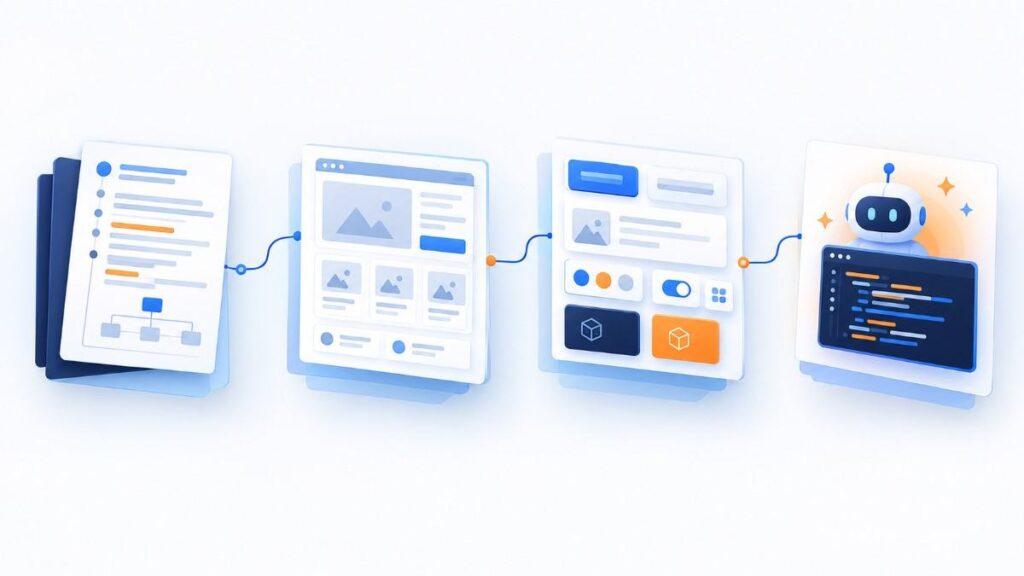
MCP is a protocol through which compatible AI clients can use tools and retrieve context from connected systems. Instead of relying only on a screenshot pasted into a prompt, a coding agent can obtain structured design information such as components, variables, and layout details through Figma’s MCP server.
Figma documents a hosted endpoint at https://mcp.figma.com/mcp and lists supported clients including VS Code, Cursor, and Claude Code. A supported client must be connected and authorized. Read access and write access are not interchangeable; some actions require particular plans, seats, and file permissions. Consult the current Figma MCP setup guide before selecting an architecture.
For example, an engineer could ask an agent to implement an approved frame using existing design tokens rather than guessing dimensions and component relationships. However, MCP cannot validate business logic, licensing, security, or generated code correctness.
Traditional static mockups cannot fully demonstrate a search field, responsive chart, or multi-step form. Code layers allow teams to explore running interactions on the design canvas. Figma describes starting from a frame, a connected GitHub repository, an existing webpage, or a new prompt, with availability depending on the rollout.
This supports an important distinction: building to explore and building to ship are different activities. A code-backed prototype can uncover design weaknesses early. Before shipping, engineers still need to verify architecture, dependencies, test coverage, real data access, observability, and deployment behavior.
Payload offers backend-building options, but not automatic security or production readiness.
Here is a proposed engineering workflow combining confirmed Figma capabilities with standard software-delivery controls. This is an illustrative implementation approach, not a packaged Figma feature or a documented Viston AI client deployment.
One coding agent may be enough. Multi-agent workflows can divide implementation, testing, and review, but human ownership remains essential.
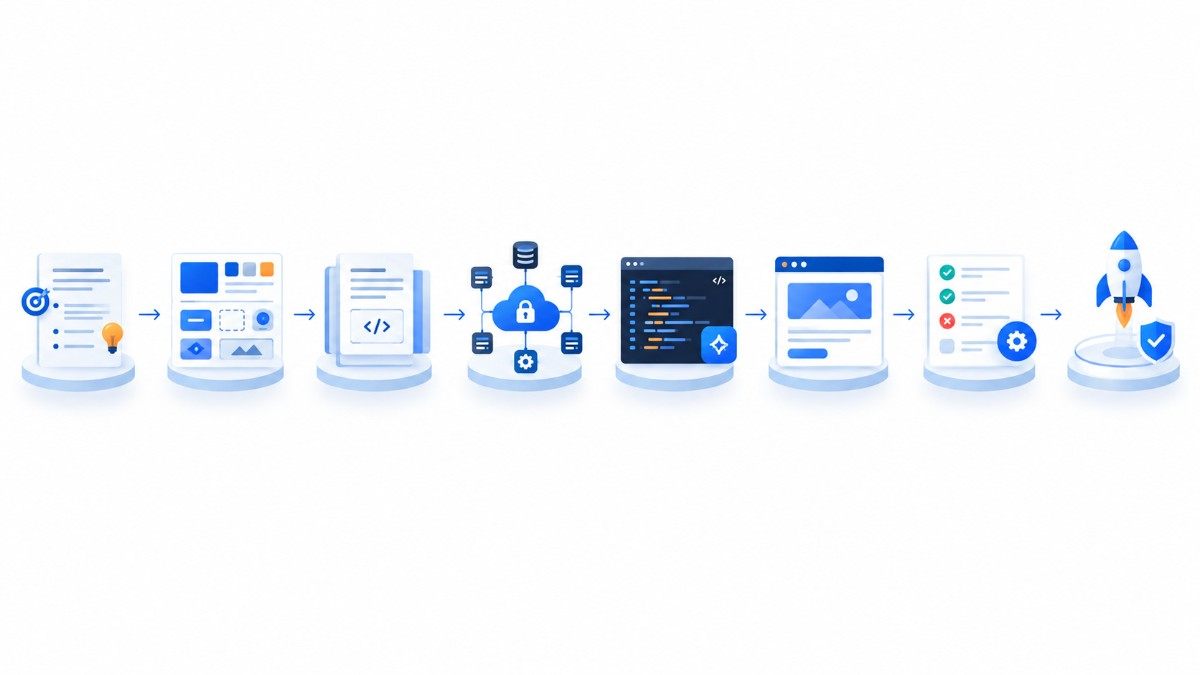
Suppose a SaaS company wants to launch a customer analytics screen. A designer prepares desktop and mobile frames showing revenue trends, a conversion funnel, a date selector, and a customer table. The team already has a React component library and a reporting API.
First, the product manager writes a Spec defining the date range, currency formatting, role-based permissions, empty states, and acceptance tests. Next, an authorized coding agent reads the relevant design context and proposes components based on the existing library. The team experiments with interactions in a code-backed prototype.
During review, the designer notices the mobile chart is difficult to use, and the engineer discovers that the date filter mixes local time and UTC. The spec is corrected; the agent updates the implementation; automated tests verify the chosen date boundaries. Finally, an engineer checks API authorization, performance with large tables, keyboard navigation, and deployment readiness.
This scenario illustrates AI-assisted translation of agreed details. It does not establish unattended delivery or measured time or cost savings.
| Dimension | Traditional handoff | Proposed AI-assisted workflow |
|---|---|---|
| Requirements | Often split across tickets and design comments | Structured spec referenced during implementation |
| UI implementation | Developers translate screens manually | Agent drafts code from authorized design context |
| Review | Static comparisons and conventional testing | Interactive prototypes plus conventional testing |
| Primary risk | Ambiguous handoff and repeated clarification | Incorrect generated code or misplaced trust in automation |
| Release decision | Engineering and product approval | Engineering and product approval remains necessary |
Review what connected agents can read, write, transmit, retain, or log. Use approved workspaces, scoped permissions, and contractual controls. Avoid uploading secrets, credentials, or unnecessary customer data.
An agent may invent an endpoint, misinterpret a component, or implement plausible but incorrect validation. Require explicit API contracts and tests based on expected behavior, not merely visual similarity.
Review generated code, dependencies, asset licenses, and repository access. Validate that imported design assets and code are authorized for the intended commercial use.
A convincing desktop prototype may fail on mobile, with a keyboard, or through assistive technologies. Test semantic markup, focus states, contrast, text scaling, and meaningful error messages.
Document fallback workflows, access requirements, AI-credit consumption, and integration limits. For example, Figma’s Config documentation describes a promotional credit period for code-layer editing on paid plans through November 4, 2026; confirm current terms before budgeting.
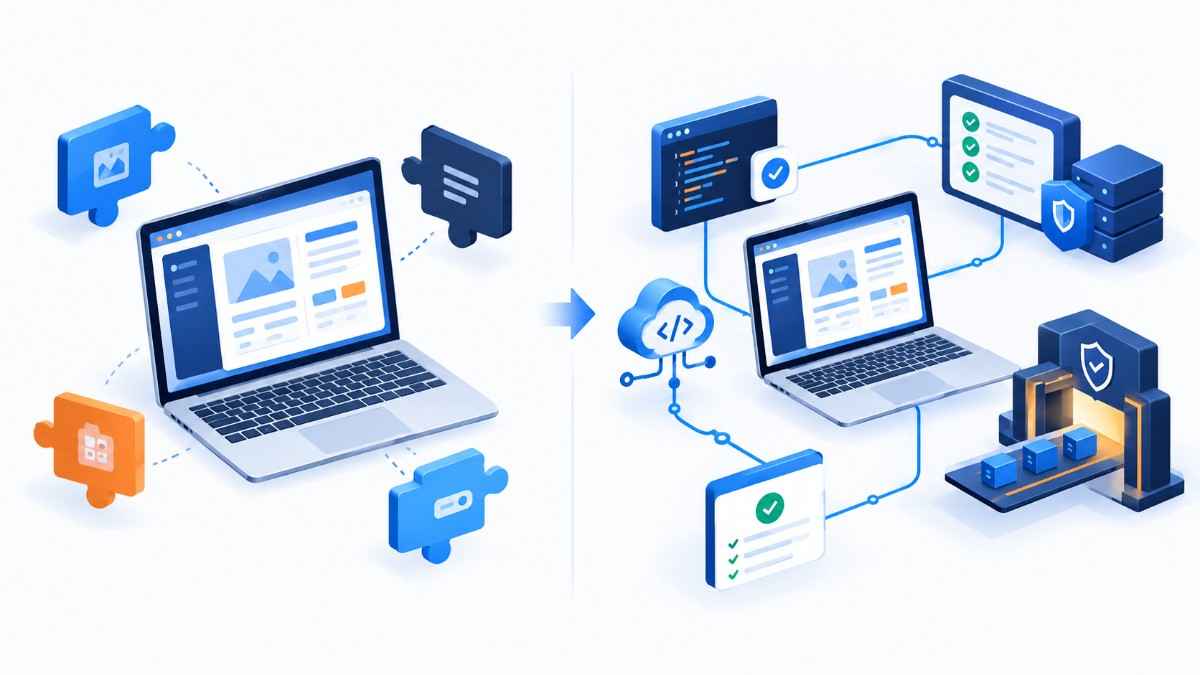
Off-the-shelf coding assistants may be sufficient for a small team working on one application. Larger organizations may need to coordinate design context with issue tracking, component libraries, test pipelines, approval rules, and multiple repositories. That is where customized agent orchestration and workflow automation may be worth evaluating.
Viston AI’s custom AI agent solutions and agentic workflow services are relevant to teams assessing this broader integration problem. A sensible engagement would begin by mapping the existing design-to-development process, identifying safe automation boundaries, and defining how success will be evaluated—not by promising fully autonomous software delivery.
Figma Specs is a collaborative, Markdown-based space for documenting product intent and technical context alongside design work. It is rolling out in open beta.
As of October 15, 2026, both are in phased open-beta rollouts. Access varies by feature, plan, permissions, and account rollout status.
It allows supported clients to retrieve design context and, where authorized, use tools that interact with Figma. It does not guarantee correct code.
Code layers support creating interactive prototypes from designs and other starting points. Generated output should still be reviewed against architecture and functional requirements.
Not necessarily. Start with one well-scoped assistant. Add specialist agents only when separation of work and independent checks provide clear value.
Figma documents workflows using connected repositories. Confirm current permissions, repository scope, and review procedures before connecting production code.
No. Payload introduces backend capabilities, but teams remain responsible for schemas, authorization, integrations, testing, operations, and suitability for their application.
Security cannot be inferred from how code was generated. Apply normal code review, dependency scanning, authentication and authorization tests, and deployment controls.
Track pilot outcomes such as acceptance-test coverage, rework from design misunderstandings, review time, accessibility defects, and escaped bugs. Compare with an equivalent baseline.
Figma Specs, code layers, and MCP make the design-to-code conversation more connected. They offer teams ways to keep requirements close to designs, explore interactions sooner, and give coding agents more useful context. The engineering question is no longer simply, “Can AI build this screen?” It is, “Can our team describe, validate, and responsibly ship the intended behavior?”
Start with a bounded feature, an approved integration, a clear specification, and human quality gates.
