
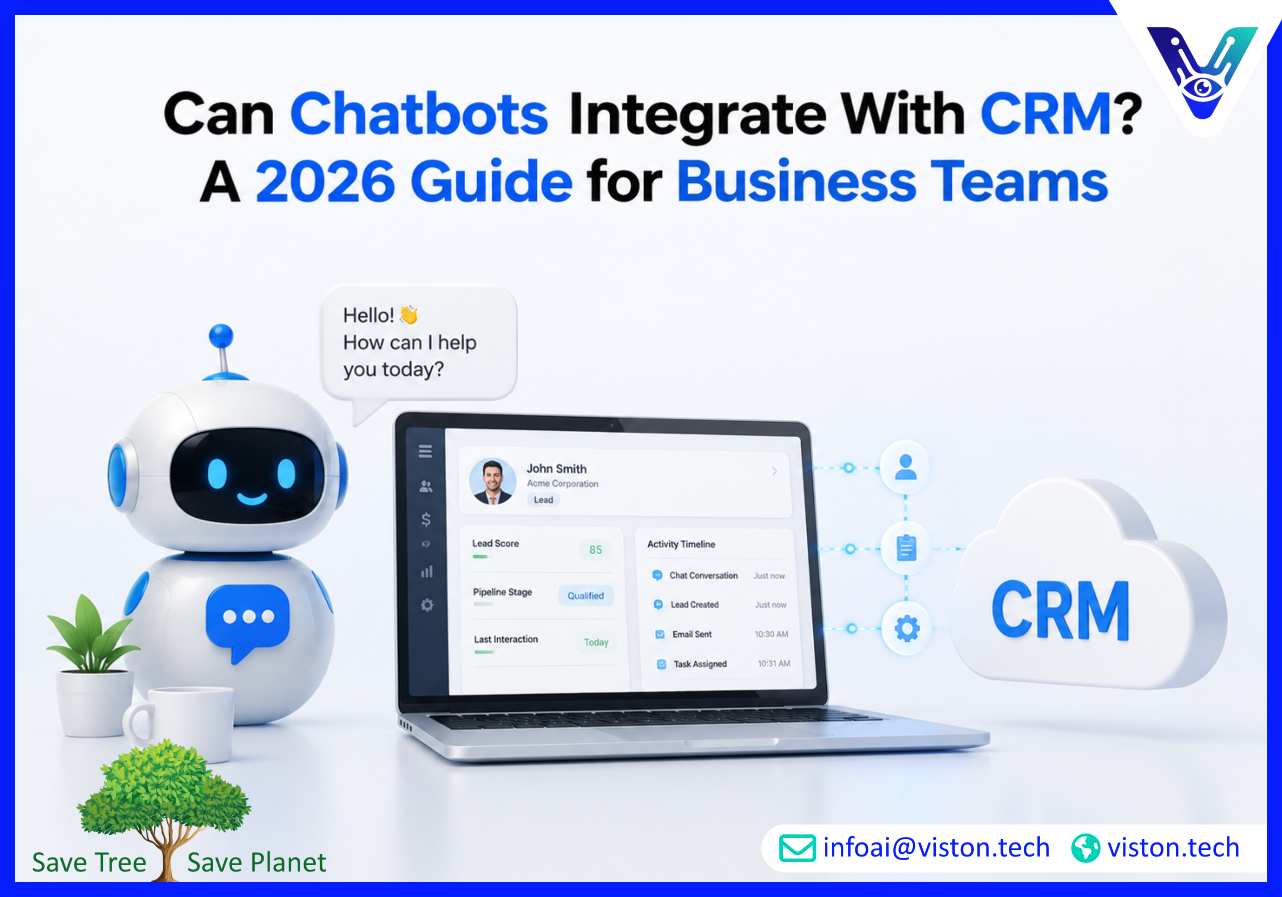
Can chatbots integrate with CRM? Yes, and for many businesses in 2026, CRM integration is what turns a chatbot from a simple website assistant into a useful sales, support, and customer engagement tool. The real value comes from connecting conversations with customer data, workflows, reporting, and follow-up actions.
Yes, chatbots can integrate with CRM systems such as Salesforce, HubSpot, Zoho CRM, Microsoft Dynamics 365, Pipedrive, Freshsales, and many custom-built CRM platforms. The integration allows the chatbot to exchange information with the CRM instead of operating as a disconnected chat widget.
Without CRM integration, a chatbot may answer basic questions, collect contact details, or route users to a human team. With CRM integration, it can identify existing customers, create new leads, update contact records, qualify prospects, trigger sales workflows, book meetings, log conversation history, and support personalized follow-ups.
This matters because customer conversations rarely exist in isolation. A visitor asking about pricing may already be a sales-qualified lead. A customer asking about an open ticket may have account history inside the CRM. A returning buyer may need product recommendations based on previous interactions. A chatbot connected to CRM data can respond with more relevance and pass better context to sales or support teams.
CRM chatbot integration can be built through APIs, middleware platforms, webhook automation, native chatbot connectors, custom backend services, or workflow automation tools. The right approach depends on the CRM platform, chatbot architecture, data requirements, security needs, and the business process being automated.
In 2026, businesses increasingly expect AI chatbot integration to support more than data capture. They want chatbots that can understand intent, enrich CRM records, reduce manual entry, support lead scoring, automate lifecycle communication, and give teams a cleaner view of customer interactions across channels.
A chatbot can be helpful on its own, but a CRM-connected chatbot is far more useful because it works with the system where customer relationships are managed. For sales, marketing, and customer service teams, this creates practical value across the full customer journey.
Many businesses use chatbots to capture leads, but CRM integration improves the quality of that process. Instead of sending form submissions to an inbox, the chatbot can create a structured lead record, assign it to the right owner, capture intent, tag the inquiry type, and add qualification details such as budget, timeline, company size, service interest, or buying stage.
This helps sales teams avoid chasing incomplete or poorly routed inquiries. It also improves response speed because qualified prospects can move directly into the correct CRM pipeline or follow-up sequence.
When a chatbot can access approved CRM data, it can tailor responses based on customer status, previous inquiries, account type, lifecycle stage, purchase history, or service plan. This does not mean exposing sensitive data carelessly. It means using controlled access to relevant context so conversations feel more useful and less repetitive.
For example, a returning customer may not need to explain their issue from the beginning. A prospect who already downloaded a guide may receive a more relevant next step. A high-value account may be routed to a priority support workflow. CRM integration makes these experiences possible.
One of the strongest operational benefits of CRM chatbot integration is the reduction of manual work. Sales and support teams often spend time copying information from chats, emails, forms, and spreadsheets into CRM fields. A properly integrated chatbot can automate much of this process.
It can log conversation summaries, update contact details, add notes, change lead stages, create tasks, schedule follow-ups, and trigger notifications. This improves CRM hygiene and helps teams spend more time on high-value conversations.
Sales, marketing, and support teams often use the same CRM but depend on different information. A chatbot can help bridge those workflows by capturing consistent data at the point of conversation and making it available to the right team.
For sales teams, this may mean better lead context. For marketing teams, it may mean clearer campaign attribution and inquiry patterns. For support teams, it may mean faster issue routing and better visibility into customer history. For leadership, it may mean more reliable reporting on customer engagement.
CRM integration allows chatbots to trigger the next best action after a conversation. This may include sending a confirmation email, assigning a task, booking a demo, enrolling a lead into a nurture campaign, creating a support ticket, notifying an account manager, or updating a pipeline stage.
This is where chatbot integration becomes more than conversational convenience. It becomes workflow automation connected to revenue, service quality, and operational efficiency.
AI chatbot integration with CRM usually involves connecting the chatbot interface, AI logic, CRM data model, business rules, and security controls. The technical setup can be simple or complex depending on the use case, but the goal is always the same: enable the chatbot to read, write, and act on CRM data safely and accurately.
The first step is deciding what the chatbot should do with the CRM. A vague requirement such as “connect the chatbot to Salesforce” is not enough. A clear use case might be “create a new lead when a website visitor requests a quote,” “update a HubSpot deal when a prospect books a demo,” or “retrieve customer account status before routing a support query.”
Good use case definition prevents unnecessary complexity. It also helps teams decide which CRM fields, permissions, workflows, and integrations are actually required.
The chatbot must collect information in a format that matches the CRM. For example, the CRM may require first name, last name, business email, company name, phone number, service interest, lead source, and lifecycle stage. The chatbot conversation should be designed to gather those details naturally without overwhelming the user.
Field mapping also covers validation. Business email format, required fields, duplicate checking, consent status, region, and inquiry category may all need to be handled before data is written into the CRM.
Most modern CRM systems support API-based integration. APIs allow the chatbot to create, retrieve, update, or search records. Webhooks can trigger actions when specific events happen, such as a completed conversation or a qualified lead. Middleware platforms can help connect multiple tools without building every integration from scratch.
For more advanced requirements, a custom backend layer may be used to control authentication, transform data, apply business logic, manage errors, and prevent direct exposure of CRM credentials to the chatbot interface.
AI-powered chatbots use natural language processing and large language models to understand user intent, ask follow-up questions, and generate responses. When CRM integration is involved, the AI layer must be carefully controlled. It should know when to retrieve data, when to create a record, when to ask for missing information, and when to escalate to a human.
For knowledge-heavy conversations, retrieval-augmented generation can help the chatbot use approved business content instead of relying only on general model output. This is useful for service descriptions, pricing guidance, onboarding details, support policies, and product documentation.
CRM systems often contain sensitive customer and business data. Any chatbot integration must include proper authentication, role-based access, encryption, consent handling, logging, and data minimization. The chatbot should only access the information needed for the task.
Businesses operating across regulated markets may also need to consider privacy obligations, retention policies, audit trails, and user consent before storing conversation data in the CRM. In 2026, responsible AI delivery is not optional; it is part of building trustworthy automation.
Testing should cover more than whether the chatbot can create a CRM record. Teams should test duplicate leads, missing fields, incorrect user input, API failures, permission errors, escalation paths, multi-channel behavior, and CRM workflow triggers.
The chatbot should also be tested with real-world conversation variations. Users may ask incomplete questions, change topics, provide unclear information, or request human help. A reliable CRM-connected chatbot must handle these situations without corrupting data or creating confusion for teams.
CRM chatbot integration can support several business functions, especially where customer conversations need to become structured actions. The most effective use cases are usually tied to sales pipeline improvement, customer service efficiency, and better data visibility.
A chatbot can ask qualifying questions, identify buyer intent, collect company details, and send the information directly to the CRM. It can assign the lead to a sales representative, create a deal, set a pipeline stage, and trigger a follow-up task. This is valuable for B2B companies where response speed and lead quality directly affect conversion.
When connected with CRM and calendar systems, a chatbot can qualify a prospect and book a meeting without requiring back-and-forth emails. The CRM record can include the meeting details, conversation summary, service interest, and lead source. This gives the sales team better context before the first call.
A chatbot integrated with CRM can identify whether a user is a customer, check account context, capture issue details, and route the query to the right support team. It can create a ticket, update a case, or pass the conversation to a human agent with a summary of what has already been discussed.
For existing customers, chatbots can help account teams monitor signals such as repeated issues, renewal questions, upgrade interest, or dissatisfaction. These interactions can be logged in the CRM, giving account managers better visibility into customer needs and risks.
When chatbot conversations are connected to CRM campaigns, marketing teams can understand which campaigns generate meaningful conversations, not just clicks. The chatbot can capture source data, content interest, inquiry type, and conversion stage, helping teams improve campaign performance.
Chatbots can also support internal teams. A sales representative may ask an internal assistant to summarize recent account activity, find a contact record, prepare a call brief, or retrieve CRM notes. This requires careful permissions, but it can reduce time spent searching through CRM records manually.
CRM chatbot integration can deliver strong value, but only when the project is planned around real workflows. Businesses should avoid treating integration as a technical checkbox. The integration must improve how teams manage customer relationships, not simply push more data into the CRM.
If CRM data is outdated, duplicated, incomplete, or poorly structured, chatbot integration may amplify the problem. Before launch, businesses should review required fields, lifecycle stages, ownership rules, duplicate handling, and naming conventions. Clean CRM data improves chatbot accuracy and team trust.
Sales, marketing, support, operations, and IT may all have a stake in CRM chatbot integration. Ownership should be clear from the start. Teams need to know who controls conversation design, CRM workflows, data fields, integrations, reporting, and ongoing optimization.
Not every conversation should be automated. The chatbot should know when to escalate. Common triggers include complex pricing questions, angry customers, high-value leads, sensitive account issues, technical failures, or requests for a human representative.
CRM integration should make performance easier to measure. Useful metrics may include lead volume, qualified lead rate, meeting bookings, response time, conversion rate, ticket deflection, escalation rate, customer satisfaction, and CRM completion accuracy.
A chatbot may begin with one CRM workflow but later expand into multiple departments, regions, languages, channels, or products. The integration architecture should support future growth without requiring a full rebuild.
Viston AI is relevant to businesses asking whether chatbots can integrate with CRM because its service offering includes AI Chatbot Integration, AI Chatbot Development, Enterprise AI Chatbots, Integration with Business Systems, AI Automation and Workflow Bots, NLP and Text Analysis, and Custom AI Solution Development. These capabilities align directly with the practical work required to connect conversational AI with CRM platforms and business workflows.
For businesses that want more than a basic chatbot widget, Viston AI can support chatbot planning, system integration, conversational workflow design, AI model selection, automation logic, and implementation around real operational goals. CRM integration often requires more than sending contact details into a database. It may involve lead qualification, customer context retrieval, workflow triggers, conversation summaries, human handoff, reporting, and secure data handling.
Viston AI’s broader automation and business system integration capabilities are especially relevant when a CRM-connected chatbot needs to interact with tools across sales, support, marketing, operations, or internal teams. A chatbot may need to connect with CRM, calendar tools, messaging platforms, workflow automation systems, helpdesk platforms, or knowledge bases. That requires a practical understanding of APIs, automation flows, data structure, and responsible AI deployment.
For organizations in global B2B markets, this kind of AI chatbot integration expertise can help reduce manual work, improve customer response quality, strengthen CRM adoption, and create more reliable customer data. Viston AI can be positioned as a specialist partner for companies that want CRM-connected chatbot solutions built around business outcomes, security, scalability, and long-term usability.
Yes. Chatbots can integrate with CRM platforms through APIs, webhooks, middleware, native connectors, or custom backend development. This allows the chatbot to create leads, update contacts, log conversations, trigger workflows, and retrieve approved customer information.
AI chatbots can connect with popular CRM systems such as Salesforce, HubSpot, Zoho CRM, Microsoft Dynamics 365, Pipedrive, Freshsales, and many custom CRM platforms, depending on API availability and integration requirements.
A chatbot can send contact details, company information, inquiry type, lead source, qualification answers, conversation summaries, consent status, appointment details, support issues, and follow-up requirements to the CRM.
CRM chatbot integration can be secure when built with proper authentication, encryption, access control, consent handling, data minimization, audit logging, and secure API management. Security should be planned before development, not added after launch.
Yes. CRM integration helps sales teams receive better-qualified leads, faster notifications, cleaner contact records, conversation context, meeting details, and automated follow-up tasks. This reduces manual work and improves sales responsiveness.
Yes. Viston AI’s AI Chatbot Integration, AI Chatbot Development, business system integration, automation, and custom AI solution capabilities are relevant for businesses that need CRM-connected chatbot workflows built around lead generation, support, reporting, and operational efficiency.
Can chatbots integrate with CRM? Yes, and in 2026, CRM integration is one of the most important ways to make chatbots useful for real business operations. A CRM-connected chatbot can capture better leads, personalize conversations, reduce manual data entry, support faster follow-up, and give teams clearer customer context. The best results come from careful planning, secure integration, clean data, clear workflows, and ongoing optimization. For businesses exploring AI Chatbot Integration, Viston AI offers relevant expertise in chatbot development, business system integration, workflow automation, and custom AI solutions that support practical, scalable CRM-connected experiences.
