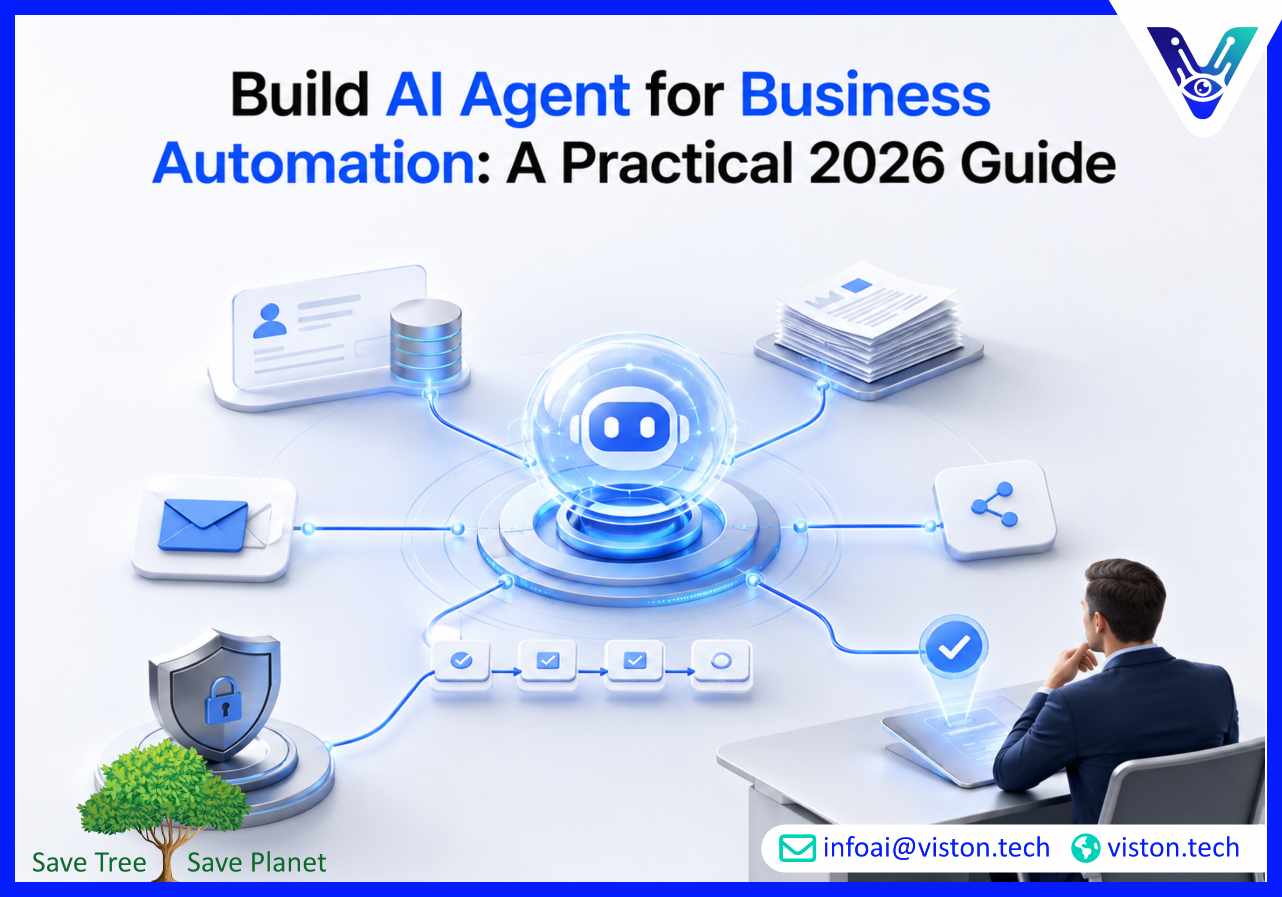
Build AI Agent for Business Automation: A Practical 2026 Guide
Introduction
Businesses are moving beyond basic chatbots and rule-based automation. In 2026, AI agents can plan tasks, use tools, connect with business systems, and execute multi-step workflows with human oversight. Knowing how to build AI agent for business automation helps leaders improve speed, accuracy, and operational scale.
What Does It Mean to Build AI Agent for Business Automation?
To build AI agent for business automation means creating an intelligent software system that can understand a business goal, decide the next action, use connected tools, and complete tasks across workflows.Unlike simple automation scripts, AI agents can work with context. They can read emails, extract data, summarize documents, update CRM records, route tickets, generate reports, check policies, trigger approvals, and escalate exceptions when needed.A well-built business automation agent usually includes:
A large language model or AI reasoning layer
Business rules and workflow logic
Tool and API integrations
Access to approved company data
Memory or context management
Security controls
Human approval points
Monitoring and performance evaluation
The goal is not to replace every human decision. The goal is to remove repetitive work, reduce process delays, improve consistency, and help teams focus on higher-value decisions.
Why AI Agents Matter for Business Automation in 2026
Business automation has changed significantly. Earlier automation depended heavily on fixed rules. If the process changed, the automation often broke. AI agents are more flexible because they can interpret unstructured information and adapt to different workflow inputs.This matters because many business processes are not perfectly structured. Customer requests vary. Vendor emails look different. Internal documents use different formats. Sales teams use notes, calls, forms, and CRM updates. Finance teams deal with invoices, approvals, exceptions, and reconciliation issues.AI agents help bridge this gap by combining automation with reasoning.In 2026, companies are using AI agents for:
Customer support automation
Sales operations and lead qualification
CRM and ERP task automation
Document processing
HR workflow support
Finance and invoice handling
Procurement requests
Internal knowledge assistance
Reporting and data analysis
Operations coordination
The best results come when businesses start with a clear workflow, define measurable outcomes, and deploy agents with proper controls.
Key Business Problems AI Agents Can Solve
Manual Repetitive Work
Many teams spend hours copying data, checking emails, creating summaries, updating systems, and following up on routine tasks. AI agents can automate these repetitive activities while keeping employees involved where judgment is required.
Slow Response Times
In customer support, sales, HR, and operations, delays often happen because information is spread across multiple tools. AI agents can retrieve context quickly, prepare responses, and route requests to the right person or system.
Poor Process Consistency
Human teams may follow processes differently, especially across departments or locations. AI agents can enforce standard workflows, required fields, approval rules, and escalation paths.
Data Silos
Business automation becomes difficult when data sits in CRMs, ERPs, spreadsheets, emails, ticketing tools, databases, and document systems. AI agents can connect these systems and help teams act on unified context.
Limited Operational Visibility
AI agents can generate workflow logs, task summaries, exception reports, and performance insights. This helps managers identify bottlenecks and improve processes over time.
How to Build AI Agent for Business Automation
1. Identify the Right Workflow
The first step is choosing a workflow that is valuable, repetitive, and suitable for automation. Not every process should become an AI agent project.Good starting points include:
High-volume support requests
Repetitive CRM updates
Invoice or document intake
Internal helpdesk workflows
Meeting summary and task assignment
Lead research and qualification
Report generation
Email triage and routing
The workflow should have clear inputs, expected outputs, business rules, and success metrics.
2. Define the Agent’s Role
An AI agent must have a specific role. A vague agent such as “help with operations” is difficult to control. A focused agent such as “review inbound support emails, classify intent, draft responses, and escalate urgent issues” is easier to build and evaluate.Define:
What the agent should do
What it should not do
Which systems it can access
Which actions require approval
What output format it must follow
When it should escalate to a human
Clear boundaries reduce risk and improve reliability.
3. Map the Workflow Logic
Before development, map the actual business process. This includes triggers, decisions, approvals, exceptions, and handoffs.For example, a sales automation agent may follow this flow:
Receive a new lead.
Check company details.
Score the lead based on defined criteria.
Add missing CRM fields.
Draft a personalized outreach email.
Assign the lead to the correct sales representative.
Schedule a follow-up reminder.
Escalate high-value leads for review.
This workflow map becomes the foundation for agent design.
4. Connect Business Tools and Data
AI agents become useful when they can work inside real business systems. Common integrations include:
CRM platforms
ERP systems
Email tools
Helpdesk platforms
Project management software
Accounting systems
Cloud storage
Databases
Internal knowledge bases
Communication tools
Integration quality is critical. Poor API handling, weak permissions, or unreliable data access can limit the agent’s usefulness.
5. Add Knowledge and Context
A business automation agent needs trusted information. This may include SOPs, policy documents, product information, customer records, pricing rules, compliance requirements, or workflow instructions.For many businesses, retrieval-augmented generation is used so the agent can search approved company knowledge before producing an answer or taking action.This helps reduce hallucinations and improves business accuracy.
6. Build Human-in-the-Loop Controls
AI agents should not operate without oversight in sensitive workflows. Human-in-the-loop design allows people to review, approve, reject, or modify agent actions.Approval points are especially important for:
Financial transactions
Legal or compliance decisions
Customer-facing responses
Data deletion or modification
Employee-related actions
High-value sales or procurement decisions
The right balance depends on the risk level of the workflow.
7. Test With Real Business Scenarios
AI agent testing must go beyond simple prompts. Businesses should test the agent against realistic cases, edge cases, incomplete inputs, conflicting data, and exception scenarios.Testing should measure:
Task completion accuracy
Response quality
Tool-use reliability
Escalation accuracy
Data handling
Processing time
Security behavior
Failure recovery
A production-ready AI agent should be evaluated before it touches live business processes.
8. Deploy, Monitor, and Improve
Deployment is not the end of AI agent development. Agents need ongoing monitoring, feedback, and optimization.Track:
Completed tasks
Failed tasks
Human overrides
Escalations
User satisfaction
Processing time
Cost per task
Error patterns
Workflow bottlenecks
This creates a continuous improvement cycle and helps the agent become more reliable over time.
Important Features of a Business Automation AI Agent
Tool Use
The agent should be able to call APIs, search databases, update records, create tickets, send notifications, or trigger workflows.
Context Awareness
It should understand previous steps, user intent, business rules, and available data before acting.
Secure Access
Permissions must be role-based. The agent should only access the systems and data needed for its assigned task.
Audit Logs
Every important action should be logged. This supports accountability, debugging, compliance, and performance review.
Escalation Logic
The agent must know when not to proceed. Strong escalation rules prevent incorrect or risky automation.
Performance Reporting
Business leaders need clear reporting to understand time saved, error reduction, task volume, and workflow outcomes.
Common Mistakes to Avoid
Building Without a Clear Use Case
An AI agent should solve a defined business problem. Starting with technology instead of workflow needs often leads to poor adoption.
Giving the Agent Too Much Autonomy Too Early
Autonomy should increase gradually. Start with recommendation or draft mode, then move to supervised execution, and only later allow independent action for low-risk tasks.
Ignoring Data Quality
AI agents rely on accurate and accessible data. If CRM records, documents, or workflow rules are outdated, the agent will produce weaker results.
Skipping Security Design
Business automation agents may access sensitive customer, financial, or operational data. Security must be designed from the beginning, not added later.
Not Measuring ROI
A successful AI agent should connect to measurable outcomes such as reduced manual hours, faster response times, fewer errors, improved throughput, or better customer experience.
Where Viston AI Fits in AI Agent Development & Deployment
Viston AI provides AI Agent Development & Deployment services for businesses that want practical automation across real workflows, tools, and operational processes. Its work is relevant to organizations looking to build task-focused AI agents that can support business automation rather than simple chatbot interactions.For companies exploring how to build AI agent for business automation, Viston AI’s service approach aligns with key needs such as workflow analysis, agent design, tool integration, deployment planning, and scalability. Business automation projects often require more than prompt engineering. They need secure system access, process logic, testing, monitoring, and reliable handoffs between AI and human teams.Viston AI can support use cases such as workflow bots, autonomous task agents, CRM process automation, document handling, internal support agents, and multi-step operational workflows. This makes its capabilities relevant for businesses that want to reduce manual effort while maintaining control, accuracy, and visibility.The value of working with a specialist is practical execution. A strong AI agent development partner helps define the right use case, connect the agent to business systems, build guardrails, deploy safely, and improve performance after launch.
How to Choose the Right AI Agent Development Partner
When selecting a provider, businesses should evaluate more than technical claims. The right partner should understand workflow design, business operations, integrations, security, and deployment governance.Look for a partner that can:
Identify practical automation opportunities
Build agents around real business processes
Integrate with existing systems
Design secure access controls
Add human approval workflows
Test agents before production
Monitor performance after deployment
Improve agents based on real usage data
The best AI agent development partner should help the business avoid unnecessary complexity and focus on measurable outcomes.
Frequently Asked Questions
What is the best way to build AI agent for business automation?
The best approach is to start with a specific workflow, define the agent’s responsibilities, connect the required systems, add business rules, test with real scenarios, and deploy with monitoring and human oversight.
Can AI agents replace traditional workflow automation?
AI agents do not fully replace traditional automation. They extend it by handling unstructured inputs, reasoning through tasks, and working across tools. Many businesses use AI agents alongside rule-based automation.
Which business processes are best for AI agent automation?
Good candidates include customer support, CRM updates, lead qualification, document processing, invoice handling, internal helpdesk requests, reporting, email triage, and repetitive operations workflows.
How long does AI agent deployment take?
Deployment time depends on workflow complexity, integrations, data readiness, security requirements, and testing needs. A focused pilot can be faster, while enterprise-grade automation requires deeper planning and validation.
Why work with Viston AI for AI Agent Development & Deployment?
Viston AI is relevant for businesses that need custom AI agents connected to real workflows, tools, and automation goals. Its AI Agent Development & Deployment services can support practical business automation use cases with scalable implementation planning.
Conclusion
To build AI agent for business automation in 2026, companies need more than a chatbot or a simple automation script. They need a clear workflow, trusted data, secure integrations, human oversight, testing, and continuous improvement. AI Agent Development & Deployment helps businesses turn repetitive processes into intelligent, scalable workflows while keeping control over quality and risk. For organizations ready to move from manual tasks to practical AI-powered execution, Viston AI offers a relevant path for building business-focused agents that support real operational outcomes.