How to Optimize Chatbot Integration Performance in 2026
Chatbot integration performance now affects customer experience, sales efficiency, support capacity, and operational reliability. A chatbot that responds quickly but fails to retrieve accurate data, complete workflows, or hand off complex cases creates friction. Optimizing performance means improving speed, accuracy, system connectivity, automation quality, and measurable business outcomes.
What Chatbot Integration Performance Really Means
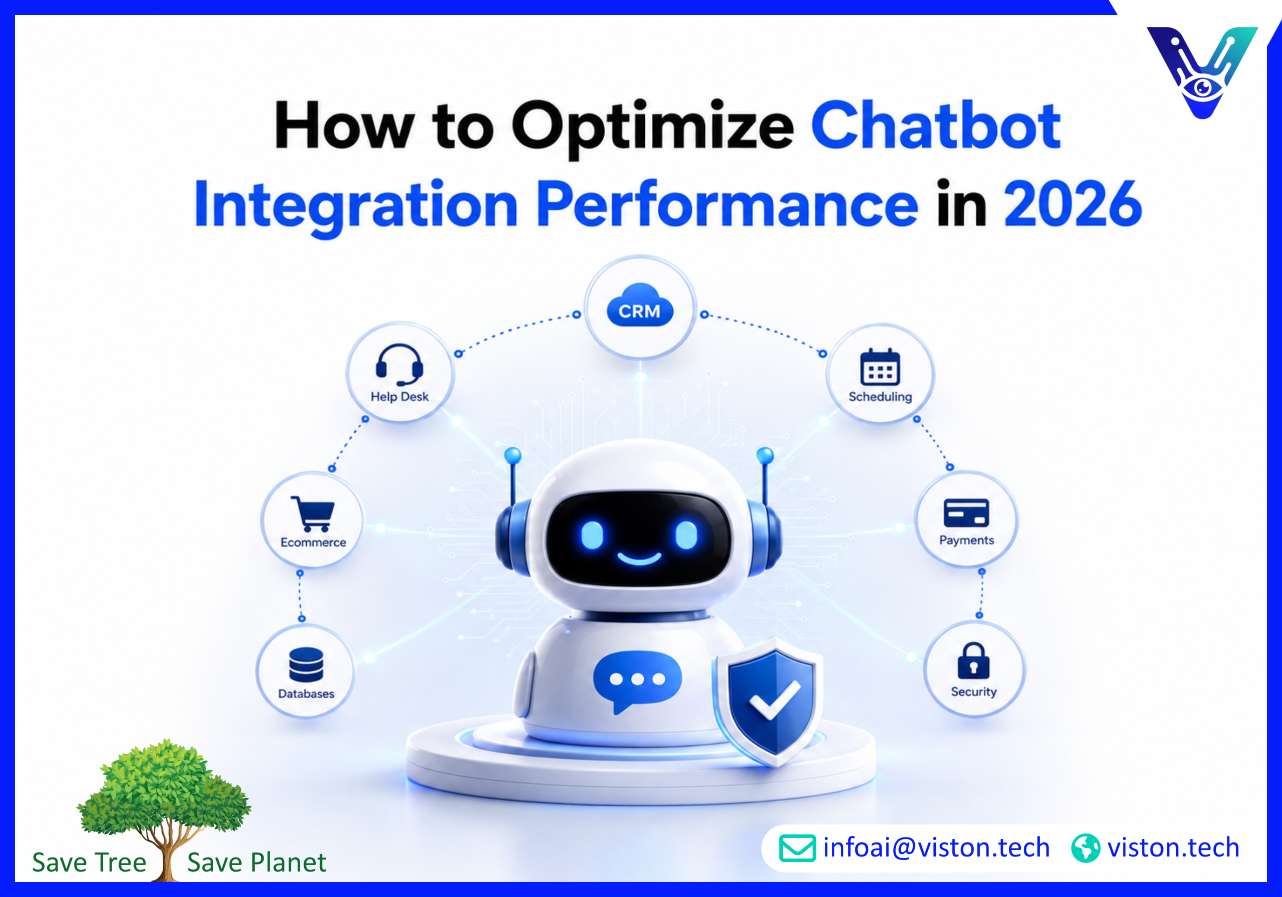
Chatbot integration performance is not only about how fast a bot replies. In a business environment, performance depends on how well the chatbot connects with core systems, understands user intent, retrieves reliable information, triggers the right workflows, and maintains a smooth conversation across channels.A high-performing chatbot integration should support real business processes, not just answer basic questions. It may need to connect with CRM platforms, help desks, ecommerce systems, booking tools, ERP software, knowledge bases, payment systems, authentication layers, and communication channels such as websites, mobile apps, WhatsApp, Slack, or Microsoft Teams.
Key performance areas to evaluate
Response speed and system latency
Intent recognition accuracy
Quality of data retrieval from connected systems
Workflow completion rate
Fallback and escalation handling
Security and access control
Conversation continuity across platforms
Reporting, analytics, and improvement cycles
In 2026, businesses expect chatbot integrations to operate as connected digital assistants. They must answer questions, update records, qualify leads, create tickets, check order status, recommend products, schedule appointments, and pass context to human teams when needed.
Why Optimizing Chatbot Integration Performance Matters in 2026
Customer expectations have changed. Buyers and users expect fast, accurate, personalized, and secure interactions. A slow or poorly integrated chatbot can damage trust because users quickly notice when a bot gives generic answers or cannot access the information they need.For support teams, poor chatbot performance creates duplicate work. Agents must correct wrong answers, re-ask questions, manually update records, or handle escalations that should have been automated. For sales and marketing teams, weak integration can cause missed leads, incomplete qualification, delayed follow-ups, and poor CRM data quality.
Common performance problems
The chatbot cannot access real-time business data.
API calls are slow, unreliable, or poorly structured.
The knowledge base is outdated or too broad.
User intents are not mapped to business workflows.
Escalation rules are unclear.
Analytics are not used to improve conversations.
The chatbot works on one channel but fails across others.
Optimization helps businesses reduce friction and make chatbot integration more dependable. The goal is not simply to automate more conversations. The goal is to automate the right conversations with the right level of accuracy, security, and business control.
How to Optimize Chatbot Integration Performance
To optimize chatbot integration performance, businesses need a structured approach that covers technical architecture, data quality, conversation design, automation logic, security, testing, and ongoing monitoring.
1. Start with clear business outcomes
Performance should be measured against business goals. A support chatbot may need to reduce repetitive tickets, improve first-contact resolution, and speed up response times. A sales chatbot may need to qualify leads, route prospects, book demos, or update CRM records. An internal operations chatbot may need to retrieve documents, summarize policies, or automate routine requests.Without clear goals, optimization becomes vague. Define what the chatbot must achieve before improving flows, APIs, models, or analytics.
2. Improve system integration quality
The strength of AI chatbot integration depends heavily on connected systems. APIs should be reliable, secure, well-documented, and designed for the chatbot’s real use cases. Businesses should avoid unnecessary data calls, reduce dependency on slow systems, and use caching where appropriate for non-sensitive repeated queries.Integration logic should also include error handling. If a CRM, ERP, or help desk system is temporarily unavailable, the chatbot should provide a useful response, collect the required details, and complete the workflow once the system is restored.
3. Optimize knowledge base accuracy
A chatbot is only as useful as the information it can access. Outdated FAQs, duplicated content, unclear product information, and poorly structured help articles reduce answer quality. Businesses should maintain a clean, searchable, and governed knowledge base.For AI-powered chatbots, content should be segmented by topic, product, audience, region, and use case where relevant. This improves retrieval accuracy and reduces irrelevant responses.
4. Reduce latency across the full workflow
Latency can come from the AI model, middleware, APIs, databases, authentication, third-party tools, or channel platforms. Optimizing chatbot integration performance requires checking the full response path, not just the chatbot interface.Businesses should monitor average response time, peak-load behavior, API timeout rates, failed requests, and slow workflow steps. Where possible, frequently requested data should be pre-processed, indexed, or cached without compromising security.
5. Design better fallback and escalation paths
No chatbot should be expected to handle every case. Performance improves when the bot knows when to ask clarifying questions, when to offer options, and when to escalate to a human agent.A strong escalation process should pass conversation history, customer details, intent, sentiment, and previous actions to the human team. This prevents users from repeating themselves and improves the overall experience.
Best Practices for Long-Term Chatbot Integration Optimization
Chatbot performance is not a one-time setup task. It requires continuous monitoring, testing, and refinement as customer behavior, business systems, products, and service expectations change.
Track the right metrics
Businesses should measure both technical and business performance. Useful metrics include response time, containment rate, resolution rate, escalation rate, failed intent rate, abandoned conversations, API error rate, customer satisfaction, lead conversion rate, and workflow completion rate.These metrics should be reviewed regularly. A chatbot that looks successful because it handles many conversations may still underperform if users abandon chats, receive incomplete answers, or escalate after repeated failures.
Use conversation analytics
Conversation logs reveal where users struggle. Repeated fallback messages, unclear intents, repeated questions, and abandoned sessions often show where the integration needs improvement. Analytics should guide updates to intents, workflows, content, and system connections.
Test before scaling
Before expanding chatbot integration across more channels or departments, businesses should test performance under real conditions. This includes load testing, API testing, security testing, user acceptance testing, multilingual testing where relevant, and human handoff testing.
Maintain security and governance
Performance optimization should never weaken security. Chatbots connected to business systems must use secure authentication, role-based access, encryption, audit logs, data minimization, and clear permission controls. Sensitive information should only be retrieved or displayed when the user is properly verified.
How Viston AI Supports Chatbot Integration Performance Optimization
Viston AI is relevant to businesses evaluating AI chatbot integration because its AI service focus includes chatbots, generative AI, predictive analytics, computer vision, and enterprise AI solutions designed to connect with existing business systems. For organizations that need chatbot performance beyond a basic website widget, this service alignment is important.Optimizing chatbot integration performance requires practical AI implementation knowledge, secure system connectivity, workflow understanding, and continuous refinement. Viston AI’s positioning around end-to-end AI services and seamless enterprise system integration connects directly with these needs. Businesses can use this kind of expertise to design chatbot flows, connect customer data sources, automate repetitive tasks, and improve how AI assistants support sales, service, and operational teams.For companies operating globally or serving digital customers across multiple markets, performance depends on reliability, scalability, and adaptability. A specialist AI integration partner can help assess existing systems, identify weak points, improve data access, structure chatbot workflows, and create a performance improvement roadmap. This makes Viston AI a practical option for organizations that want AI chatbot integration to become a dependable business capability rather than a disconnected automation tool.
Frequently Asked Questions
What is chatbot integration performance?
Chatbot integration performance refers to how effectively a chatbot connects with business systems, understands user intent, retrieves accurate data, completes workflows, responds quickly, and supports users across channels.
How can businesses improve chatbot response speed?
Businesses can improve response speed by optimizing APIs, reducing unnecessary system calls, using caching for approved data, improving knowledge base structure, monitoring latency, and testing workflows under realistic usage conditions.
Why do chatbot integrations fail?
Chatbot integrations often fail because of poor planning, weak API architecture, outdated knowledge bases, unclear workflows, poor intent mapping, limited testing, weak escalation rules, or lack of ongoing optimization.
Which systems should a chatbot integrate with?
A chatbot may integrate with CRM software, ERP systems, help desks, ecommerce platforms, booking tools, knowledge bases, payment systems, authentication tools, and communication channels depending on business goals.
How often should chatbot performance be reviewed?
Chatbot performance should be reviewed continuously through dashboards and formally assessed at regular intervals. Conversation logs, failed intents, user feedback, workflow completion rates, and API errors should guide improvements.
Can Viston AI help optimize chatbot integration performance?
Viston AI’s AI chatbot integration and enterprise AI capabilities make it relevant for businesses that need connected chatbot workflows, system integration, automation support, and practical performance improvement.
Conclusion
Optimizing chatbot integration performance is essential for businesses that want AI chatbots to deliver real operational value in 2026. Strong performance depends on accurate data, reliable integrations, fast response times, secure workflows, clear escalation paths, and continuous improvement. AI Chatbot Integration works best when it is designed around real business processes rather than treated as a standalone chat widget. For organizations looking to improve customer support, lead handling, workflow automation, or internal efficiency, Viston AI offers relevant expertise in connected AI solutions and practical chatbot integration.