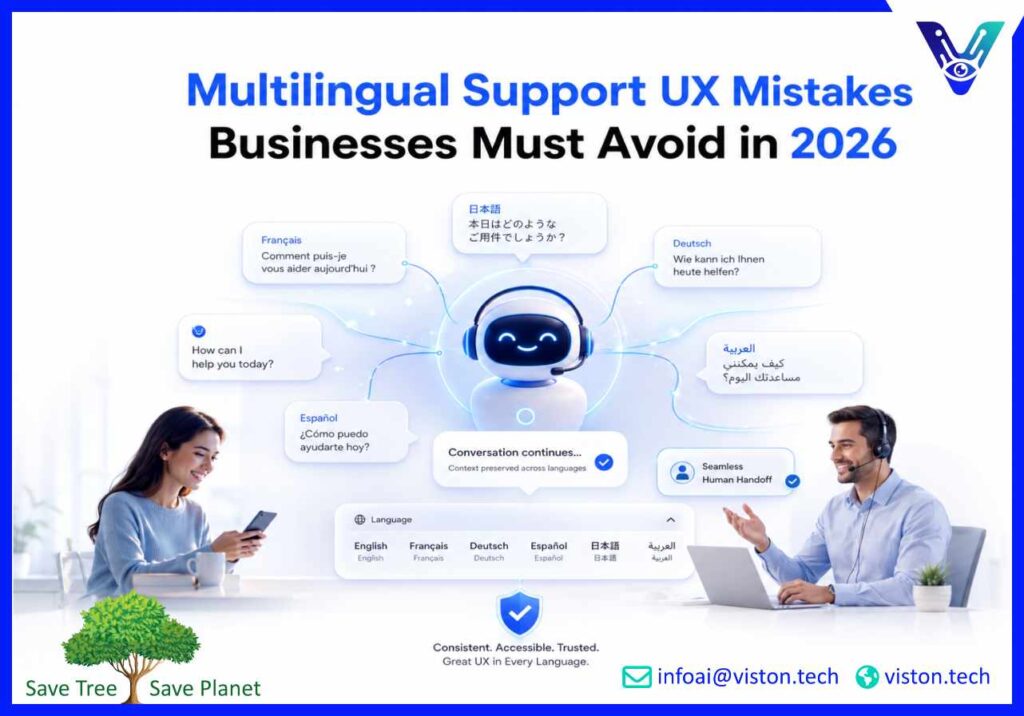
Multilingual Support UX Mistakes Businesses Must Avoid in 2026
Multilingual support can widen market access, but poor user experience can quickly undermine customer trust. In 2026, businesses must do more than translate support content. They need to design complete, accessible, culturally appropriate journeys that help customers find answers, complete tasks, and reach the right human assistance in their preferred language.
Why Multilingual Support UX Mistakes Damage Customer Trust
Multilingual support UX covers every part of the customer journey affected by language. It includes language selection, chatbot conversations, help centre content, forms, error messages, automated emails, account settings, ticket updates, agent handovers, accessibility, and regional formatting.A common mistake is treating multilingual support as a translation project rather than a service design responsibility. A business may translate its homepage and chatbot welcome message while leaving troubleshooting instructions, payment errors, escalation forms, and confirmation emails in the default language. The interface appears multilingual, but the support journey is not.This inconsistency creates practical problems. Customers may misunderstand eligibility rules, enter information incorrectly, abandon a purchase, submit duplicate tickets, or lose confidence in the company’s ability to serve their market. Support teams then spend more time repairing misunderstandings that better UX could have prevented.In 2026, customers also expect conversational AI and self-service systems to understand context across languages. A chatbot that translates words accurately but misses intent, tone, regional terminology, or previous conversation history can provide technically correct yet unhelpful answers.Businesses should therefore assess multilingual support through three questions:
Can customers easily choose and retain their preferred language?
Can they complete the entire support task without unexpected language changes?
Does the experience remain accurate, accessible, and consistent when automation transfers the conversation to a human?
The strongest multilingual experiences are designed around task completion rather than the number of languages displayed in a menu.
Common Multilingual Support UX Mistakes in Language Selection and Entry
Using flags as the only language indicator
Flags represent countries, not languages. Spanish is used across many countries, English is spoken in multiple regions, and several countries have more than one official or widely used language. A flag-only selector can therefore confuse users or force them to guess which option applies to them.Language options should be displayed using recognisable language names, ideally written in their native form, such as “Deutsch,” “Français,” or “日本語.” Country or regional variants can be shown separately when differences in vocabulary, regulations, pricing, or support processes make them relevant.
Automatically changing language without giving users control
Browser settings, device language, account history, and location can help suggest a suitable language. They should not permanently override the customer’s choice.Forced redirection is especially frustrating for travellers, multilingual users, shared-device users, and customers accessing a regional website from another country. A better approach is to recommend a language while keeping the selector visible and allowing the customer to continue in another language.
Hiding the language selector
Customers should not need to open several menus or scroll to the bottom of a page to change language. The selector should appear in a consistent, expected location and remain available during important support tasks.This matters when a customer enters through a search result, payment link, chatbot, help article, mobile app notification, or shared support URL rather than the homepage.
Resetting the conversation after a language switch
Changing language should not erase completed form fields, chatbot history, selected products, troubleshooting progress, or ticket context. When the journey restarts, customers must repeat work and may abandon the interaction.Support systems should preserve the user’s intent, authenticated account state, relevant transaction details, and progress whenever the language changes. When previously entered text cannot be translated safely, the interface should explain what will remain unchanged.
Asking customers to select a language repeatedly
A customer who has already selected a preferred language should not need to repeat the choice on every visit or channel. Preference data can be stored appropriately at account, browser, application, or conversation level while still giving users an easy way to change it.Consistent preferences are particularly valuable when customers move between a website, mobile app, chatbot, email, and live support agent.
Localization and Interface Mistakes That Break the Support Journey
Translating content without localizing the task
Literal translation does not automatically create a usable support experience. Refund processes, delivery options, payment methods, consumer rights, identity checks, working hours, product availability, and documentation requirements can differ by market.Customers need locally relevant instructions, not translated guidance for a process that does not apply to them. Support content should therefore be connected to the correct country, account type, product, plan, and operational policy.
Leaving important interface elements untranslated
Buttons, validation messages, consent text, attachment instructions, system alerts, ticket statuses, chatbot fallback messages, and automated confirmations are often overlooked. These elements may contain the most important information in the entire journey.A translated article followed by an untranslated error message still leaves the customer unable to proceed. Businesses should maintain an inventory of all customer-facing strings rather than focusing only on visible page content.
Designing layouts only for English text
Translated text may require more or less space than the source language. Fixed-width buttons, narrow menus, hard-coded labels, and image-based text can produce clipped words, overlapping fields, or unreadable mobile screens.Interfaces should support text expansion, different line heights, character sets, and flexible content containers. Right-to-left languages also require more than mirrored text. Navigation order, icons, form alignment, progress indicators, and conversational layouts must be tested in the correct reading direction.
Ignoring dates, numbers, addresses, and names
Customers interpret dates, decimal separators, currencies, telephone numbers, postal addresses, names, and measurement units differently across markets. Ambiguous formatting can cause missed appointments, payment errors, delivery failures, and incorrect form submissions.Forms should accommodate realistic naming and address structures rather than forcing every customer into one country’s format. When a specific structure is legally or operationally required, the interface should explain it clearly in the selected language.
Using inconsistent terminology
A product feature may have one name in the interface, another in the help centre, and a third in chatbot responses. In multilingual support, these inconsistencies multiply quickly and make troubleshooting harder.Businesses should maintain approved glossaries covering product names, technical terms, plan labels, policy language, escalation wording, and phrases that should remain untranslated. Human reviewers and AI systems should work from the same controlled terminology.
Overlooking accessibility
Multilingual UX must also work for people using screen readers, keyboard navigation, magnification tools, voice input, captions, or other assistive technologies. Pages and content sections should identify their language correctly so assistive software can pronounce text appropriately.Language selectors need clear labels, visible focus states, logical keyboard behaviour, and sufficient contrast. Businesses should also test mixed-language content, non-Latin scripts, translated alternative text, and error announcements rather than assuming accessibility carries over from the default version.
Operational Mistakes That Make Multilingual Support Feel Second Class
Offering automation without a reliable fallback
A multilingual chatbot should not pretend to understand a request when confidence is low. Customers need a clear route to a human agent, alternative support channel, or structured ticket form.The fallback must remain in the customer’s chosen language and explain what will happen next. Generic responses such as “I did not understand” are rarely enough when the customer is reporting a payment issue, account restriction, technical failure, or urgent service problem.
Losing context during human handover
Customers become frustrated when they explain an issue to a chatbot and then repeat everything to an agent. A proper handover should include the original message, detected language, conversation history, relevant account data, attempted actions, sentiment or urgency indicators, and the reason for escalation.The agent interface should preserve the original text alongside any translated version. This reduces the risk of important meaning being lost through machine translation and enables bilingual reviewers to verify sensitive details.
Providing weaker service in secondary languages
Some businesses advertise multiple languages but offer slower response times, limited opening hours, fewer escalation paths, or outdated knowledge in all but the primary language. Customers notice this difference immediately.Language coverage should be defined honestly. It is better to offer reliable support for a focused set of languages than to claim broad availability without sufficient knowledge coverage, testing, or human escalation capacity.
Testing only the default language
Successful English-language testing does not prove that other versions work. Each language can introduce unique intent recognition issues, broken links, untranslated variables, formatting errors, inappropriate tone, search failures, and layout problems.Testing should cover real customer tasks, including account access, order tracking, billing questions, cancellations, document uploads, complaint escalation, and conversation handovers. Native or highly proficient reviewers should evaluate clarity and cultural suitability for high-impact workflows.
Measuring all languages as one dataset
Aggregate performance can hide serious language-specific problems. A chatbot may achieve a strong overall resolution rate while repeatedly failing in a lower-volume language.Businesses should analyse intent accuracy, fallback rate, task completion, escalation rate, customer satisfaction, response time, abandonment, and first-contact resolution by language and market. Failed conversations should be reviewed to identify missing content, terminology gaps, translation problems, integration errors, and unsupported requests.
Failing to govern updates
Policies, prices, product features, regulations, and workflows change. When the source content is updated, every supported language needs a controlled review process.Content owners should know which version is authoritative, which languages require updates, who approves sensitive wording, and how outdated responses are removed from chatbots and knowledge bases. Without governance, multilingual support quality declines even when the initial launch was successful.
How Viston AI Helps Businesses Avoid Multilingual Support UX Mistakes
Viston AI provides multilingual AI chatbot support for organizations that need consistent customer conversations across languages, markets, time zones, and digital channels. Its capabilities combine natural language processing, generative AI, knowledge integration, conversation routing, analytics, and business-system connectivity.This service alignment is important because many multilingual support UX mistakes originate below the visible interface. Poor intent recognition, disconnected knowledge sources, inconsistent escalation rules, missing customer context, and weak performance reporting can make a well-designed chatbot feel unreliable.Viston AI’s approach supports multilingual experiences across channels such as web chat, mobile applications, WhatsApp, SMS, voice assistants, and social platforms. Centralized knowledge and conversation controls can help businesses maintain consistent terminology and support logic while allowing language-specific responses, workflows, and regional requirements.Its multilingual support capabilities also include intelligent routing, sentiment-aware escalation, integrations with CRM and knowledge systems, and language-level performance monitoring. These features can help organizations identify where customers are abandoning tasks, which languages produce frequent fallbacks, and where human intervention is required.For businesses serving global customers, this combination of conversational AI, integration, testing, and continuous optimization provides a practical foundation for improving multilingual UX without treating every language as an isolated support operation.
Frequently Asked Questions
What are the most common multilingual support UX mistakes?
Common mistakes include using flags as language labels, forcing automatic language changes, translating only part of the support journey, losing context during language switching, ignoring locale-specific formats, providing poor chatbot fallbacks, and failing to measure performance by language.
Is machine translation enough for multilingual customer support?
Machine translation can support scale, but it is not enough by itself. Businesses also need localized workflows, approved terminology, reliable knowledge sources, contextual intent recognition, quality review, regional compliance controls, and human escalation for complex or sensitive cases.
How should a multilingual language selector be designed?
Use clear language names written in their native form, place the selector where users can find it easily, preserve the customer’s choice, and avoid using flags as the only identifier. Regional variants should be added only when they affect content or service delivery.
How can businesses test multilingual support UX?
Test complete customer tasks in every priority language. Review navigation, forms, chatbot understanding, error messages, account data, search, handovers, accessibility, text expansion, right-to-left layouts, and mobile behaviour. Include native-language reviewers for important workflows.
Which metrics reveal multilingual support problems?
Track task completion, fallback rate, escalation rate, customer satisfaction, abandonment, first-contact resolution, response time, translation corrections, and human handover quality separately for each language and market.
How can Viston AI support a multilingual customer experience?
Viston AI can connect multilingual conversational AI with knowledge bases, CRM platforms, workflows, analytics, and human escalation processes. This helps businesses maintain consistent answers, preserve context, monitor language-level performance, and improve support journeys over time.
Conclusion
Preventing multilingual support UX mistakes requires more than translating chatbot responses or help centre pages. Businesses must design complete journeys that preserve language preferences, localize processes, support different scripts and formats, maintain accessibility, and transfer context smoothly between automation and human teams. Performance should also be reviewed separately by language so weaker experiences are not hidden by aggregate results. With structured content governance, realistic testing, reliable escalation, and well-integrated multilingual support, organizations can serve global customers more consistently. Viston AI offers relevant conversational AI and integration capabilities for businesses building scalable multilingual service experiences.